Managing TLS Certificates Using Ansible and Let’s Encrypt! PART 3:
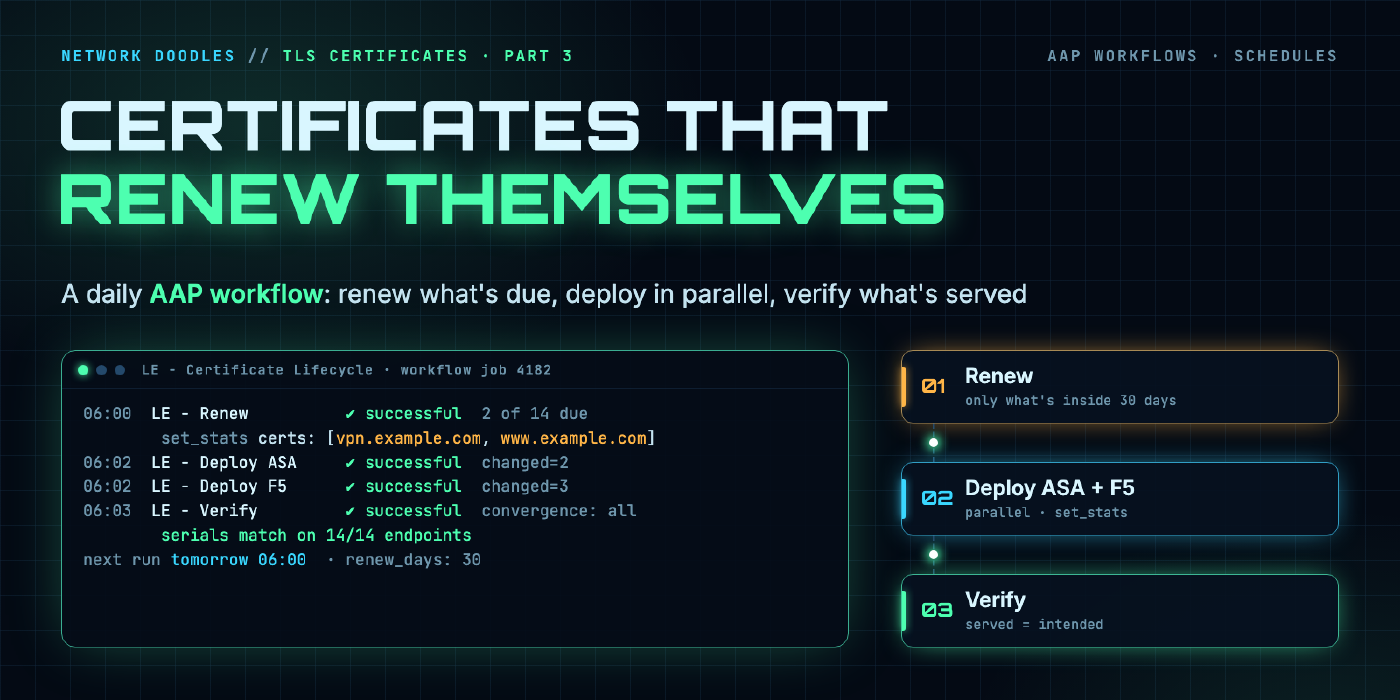
Turn the request, deploy and verify playbooks from Parts 1 through 2.2 into a scheduled AWX/AAP workflow that checks every certificate daily, renews only what’s due, deploys to ASA and F5 in parallel, verifies what’s actually served, and tells a human when something breaks.
part 5 of 6 · series Let's Encrypt with Ansible
- 1Request a certificate with Ansible Core
- 2Run it from AWX / AAP with GitOps
- 2.1Deploy to Cisco ASA
- 2.2Deploy to F5 BIG-IP
- 3Scheduled auto-renewal workflows
- 4ServiceNow change and catalog integration
Introduction
So far in this series we’ve built the pieces:
- Part 1: request a certificate with Ansible Core and Cloudflare DNS-01
- Part 2: run that from AWX/AAP and store the result in a
cert-storeGit repo - Part 2.1: deploy to a Cisco ASA
- Part 2.2: deploy to an F5 BIG-IP
Every one of those still needs someone to click the rocket icon. This part removes the human. We’ll build an AWX/AAP workflow that runs every morning, checks every certificate, renews only the ones that are due, deploys them, verifies them, and only bothers you when something goes wrong.
Why this matters more every year
Certificate lifetimes are shrinking fast. The CA/Browser Forum voted in 2025 (ballot SC-081) to cut the maximum lifetime of public TLS certificates in stages:
| From | Max lifetime |
|---|---|
| March 15, 2026 | 200 days |
| March 15, 2027 | 100 days |
| March 15, 2029 | 47 days |
Let’s Encrypt is already at 90 days and has announced plans to go shorter. It also stopped sending expiration reminder emails in 2025, so nothing is going to remind you anymore. At 47 days, a team with 50 certificates is doing a renewal every day or two. That’s not a calendar reminder anymore, that’s a pipeline.
What You Will Learn
- Refactoring the request playbook so it can renew many certificates in one run
- Passing data between workflow nodes with
set_stats - Building a workflow job template with parallel deploys and a convergence node
- Scheduling it, and setting up notifications that only fire when they should
The Workflow at a Glance
Here’s what we’re building. Step through the three scenarios. The first one is what happens on most days, and it should be boring.
Four job templates, one workflow:
[Schedule: daily 06:00]
        │
   ┌────▼─────┐
   │  Renew   │  renew_certs.yml  → set_stats: certs
   └──┬────┬──┘
      │    │      (on success, in parallel)
┌─────▼┐  ┌▼──────┐
│Deploy│  │Deploy │  deploy_asa.yml / deploy_f5.yml
│ ASA  │  │  F5   │
└─────┬┘  └┬──────┘
      │    │      (convergence: All)
   ┌──▼────▼──┐
   │  Verify  │  verify_certs.yml
   └──────────┘
   any failure → notification to a human
1. Refactor the Request into a Task File
The playbook from Parts 1 and 2 requests one certificate for the fqdn from the survey. For renewals we need to run it for several certificates at once, so move the tasks into their own file and keep the playbook as a thin wrapper.
manage-lets-encrypt-certs/
├── collections/requirements.yml
├── request_cert.yml        ← Part 2 playbook, now just includes the task file
├── renew_certs.yml         ← new
├── verify_certs.yml        ← new
└── tasks/
    └── request_cert.yml    ← the tasks from Part 1, unchanged except for the threshold
tasks/request_cert.yml holds every task from Part 1, from Create directory for certs through Remove TXT record from Cloudflare, exactly as written. The only change is the renewal threshold. Part 1 used remaining_days: 60. Change both acme_certificate tasks to use a variable:
remaining_days: "{{ renew_days | default(30) }}"
Let’s Encrypt recommends renewing when a third of the lifetime is left, which for a 90-day certificate is 30 days. When lifetimes get shorter, you change one variable.
The original playbook now becomes:
---
- name: Request a Let's Encrypt certificate
  hosts: localhost
  gather_facts: false
  vars:
    files_loc: ~/cert-store
  tasks:
    - name: Request the certificate
      ansible.builtin.include_tasks: tasks/request_cert.yml
Same survey, same behavior, and now the tasks can be reused.
2. The Renewal Playbook
renew_certs.yml decides what’s due, renews only that, commits the results, and tells the rest of the workflow what changed.
2.1 Play setup and clone
---
#------------------------------------------------------------------------------
#---- Renew every certificate in cert-store that is inside the renewal window
#------------------------------------------------------------------------------
- name: Renew due certificates
  hosts: localhost
  gather_facts: false
  vars:
    files_loc: ~/cert-store
    renew_days: 30
    email: certadmin@example.com          # ACME account contact
    git_url: "https://{{ gitlab_username | urlencode }}:{{ gitlab_password | urlencode }}@gitlab.com/{{ gitlab_username }}/{{ gitlab_project }}.git"

  tasks:
    - name: Clone cert-store
      ansible.builtin.git:
        repo: "{{ git_url }}"
        dest: "{{ files_loc }}"
        version: main
      no_log: true

    - name: Read the certificate list
      ansible.builtin.set_fact:
        all_certs: "{{ lookup('file', files_loc + '/cert_list.txt').splitlines() | select | list }}"
2.2 Find out what’s due
    - name: Check each certificate's expiry
      community.crypto.x509_certificate_info:
        path: "{{ files_loc }}/{{ item }}/{{ item }}.crt"
        valid_at:
          renew: "+{{ renew_days }}d"
      loop: "{{ all_certs }}"
      register: cert_info
      failed_when: false          # a missing file just means "due"

    - name: Build the list of certificates to renew
      ansible.builtin.set_fact:
        due: >-
          {{ cert_info.results
             | rejectattr('valid_at', 'defined')
             | map(attribute='item') | list
           + cert_info.results
             | selectattr('valid_at', 'defined')
             | rejectattr('valid_at.renew')
             | map(attribute='item') | list }}

    - name: Report
      ansible.builtin.debug:
        msg: "{{ due | length }} of {{ all_certs | length }} due: {{ due | join(', ') or 'none' }}"
valid_at.renew is true if the certificate will still be valid 30 days from now. Anything where that’s false (or where the file doesn’t exist yet) goes into due.
2.3 Renew what’s due
    - name: Renew each due certificate
      ansible.builtin.include_tasks: tasks/request_cert.yml
      loop: "{{ due }}"
      loop_control:
        loop_var: fqdn
loop_var: fqdn is the trick that makes this work. The task file was written against a variable called fqdn from the survey, and now the loop supplies it instead.
2.4 Commit and pass the list along
    - name: Commit renewed certificates to cert-store
      ansible.builtin.shell: |
        git add -A
        git -c user.name="Ansible certificate agent" -c user.email="ansible_certadmin@donotreply.com" \
            commit -m "Renew {{ due | join(', ') }}"
        git push origin main
      args:
        chdir: "{{ files_loc }}"
      when: due | length > 0
      no_log: true

    - name: Tell the rest of the workflow what changed
      ansible.builtin.set_stats:
        data:
          certs: "{{ due }}"
        per_host: false
set_stats is how workflow nodes talk to each other. Every node downstream of this one receives certs as an extra variable. On a quiet day that’s an empty list.
cert-store repo because it keeps the moving parts easy to see. For a lab, fine. For production, encrypt the keys before committing them (ansible-vault encrypt, or SOPS), or keep keys in HashiCorp Vault / CyberArk and only commit the certificates. The workflow doesn’t change, only where the deploy jobs read the key from.3. Make the Deploy Playbooks Workflow-Aware
The deploy playbooks need to respect certs.
F5 (Part 2.2): already done. It uses certs when it’s passed and falls back to everything in cert_list.txt when it isn’t. An empty list means every loop is skipped.
ASA (Part 2.1): that playbook manages one VPN certificate (Cert_URL). Add this as the first task so it exits cleanly when its certificate wasn’t renewed:
    - name: Skip unless this ASA's certificate was renewed
      ansible.builtin.meta: end_play
      when:
        - certs is defined
        - Cert_URL not in certs
Run it by hand without certs and it behaves exactly like before.
4. The Verify Playbook
The deploy jobs each verify their own work, but a separate verify node checks everything, every run, including certificates that weren’t renewed today. That’s what catches the VIP someone pointed at a self-signed cert last week.
---
- name: Verify served certificates
  hosts: localhost
  gather_facts: false
  vars:
    files_loc: ~/cert-store
    warn_days: 30
  tasks:
    - name: Clone cert-store
      ansible.builtin.git:
        repo: "https://{{ gitlab_username | urlencode }}:{{ gitlab_password | urlencode }}@gitlab.com/{{ gitlab_username }}/{{ gitlab_project }}.git"
        dest: "{{ files_loc }}"
        version: main
      no_log: true

    - name: Read the certificate list
      ansible.builtin.set_fact:
        all_certs: "{{ lookup('file', files_loc + '/cert_list.txt').splitlines() | select | list }}"

    - name: What each endpoint is serving
      community.crypto.get_certificate:
        host: "{{ item }}"
        port: 443
      loop: "{{ all_certs }}"
      register: served

    - name: What we meant to serve
      community.crypto.x509_certificate_info:
        path: "{{ files_loc }}/{{ item }}/{{ item }}.crt"
        valid_at:
          warn: "+{{ warn_days }}d"
      loop: "{{ all_certs }}"
      register: intended

    - name: Served certificate matches cert-store and isn't about to expire
      ansible.builtin.assert:
        that:
          - item.0.serial_number == item.1.serial_number
          - item.1.valid_at.warn
        fail_msg: >-
          {{ item.0.item }}: serving serial {{ item.0.serial_number }},
          expected {{ item.1.serial_number }} (expires {{ item.1.not_after }})
      loop: "{{ served.results | zip(intended.results) | list }}"
      loop_control:
        label: "{{ item.0.item }}"
If an endpoint serves the wrong certificate or is inside the warning window, the job fails, and the workflow’s failure notification fires.
5. Build the Workflow in AWX/AAP
Create a job template for each playbook first (LE - Renew, LE - Deploy ASA, LE - Deploy F5, LE - Verify), each with the credentials it needs from the earlier parts. Then:
- Resources → Templates → Add → Add workflow template.
- Name:
LE - Certificate Lifecycle - Uncheck Enable concurrent jobs. Two renewal runs racing each other to push to the same Git repo is a bad morning.
- Save, then open the Visualizer.
In the visualizer:
- Start → LE - Renew
- From LE - Renew, add LE - Deploy ASA with run type On Success.
- From LE - Renew, add LE - Deploy F5, also On Success. These two now run in parallel.
- From LE - Deploy ASA, add LE - Verify, On Success.
- Link LE - Deploy F5 to the same LE - Verify node, On Success.
- Edit the LE - Verify node and set Convergence to All. Without this, verify starts as soon as either deploy finishes.
6. Schedule It
On the workflow template, open Schedules → Add:
- Name:
Daily certificate check - Start: tomorrow, 06:00, your timezone
- Repeat frequency: Daily
Daily is the right frequency even though renewals happen every few weeks. The workflow is idempotent, so a daily run costs a minute of execution time. It also means a failed deploy gets retried tomorrow without anyone doing anything, and a cert that someone manually adds to cert_list.txt gets issued within a day.
7. Notifications That Don’t Become Noise
Go to Administration → Notifications and create a notification template for wherever your team actually reads things (Webex, Slack, email, PagerDuty). Then on the workflow template’s Notifications tab:
- Failure: on. Always.
- Success: off, unless you want a daily “all good” message that everyone will mute within a week.
Want to hear about renewals that worked? Add a final task to renew_certs.yml that posts a message only when due isn’t empty. That gives you a message on the days something actually happened and silence otherwise.
Gotchas
- Test against staging. Point
acme_directoryathttps://acme-staging-v02.api.letsencrypt.org/directorywhile you build this. Let’s Encrypt’s production rate limits include 5 certificates per exact set of hostnames per week, and a broken loop can burn through that before your coffee’s done. - Execution environment. The EE needs
community.crypto,community.dnsandf5networks.f5_modules, plusgiton the path. If your project’srequirements.ymllists the collections, AWX/AAP installs them on sync. - Renewal Information (ARI). Let’s Encrypt can tell clients to renew early (for example during a mass revocation). Newer versions of
community.cryptoincludeacme_certificate_should_renew, which checks ARI as well as expiry. It’s worth swapping in once your workflow is stable. - Clean up F5 objects. Versioned names from Part 2.2 accumulate. A small
LE - F5 Cleanupnode after verify, usingbigip_device_infoto list objects and deleting all but the current and previous version per host, keeps things tidy.
Conclusion
You now have a certificate pipeline that runs itself: a daily check, renewal only when due, parallel deploys, an independent verification of what’s actually served, and alerts only when something needs a human. When the 47-day certificates arrive, the only change is renew_days.
Next Steps
- Part 4: ServiceNow integration. Every renewal opens and closes its own change record, and new certificates can be ordered from the service catalog.
Related doodles
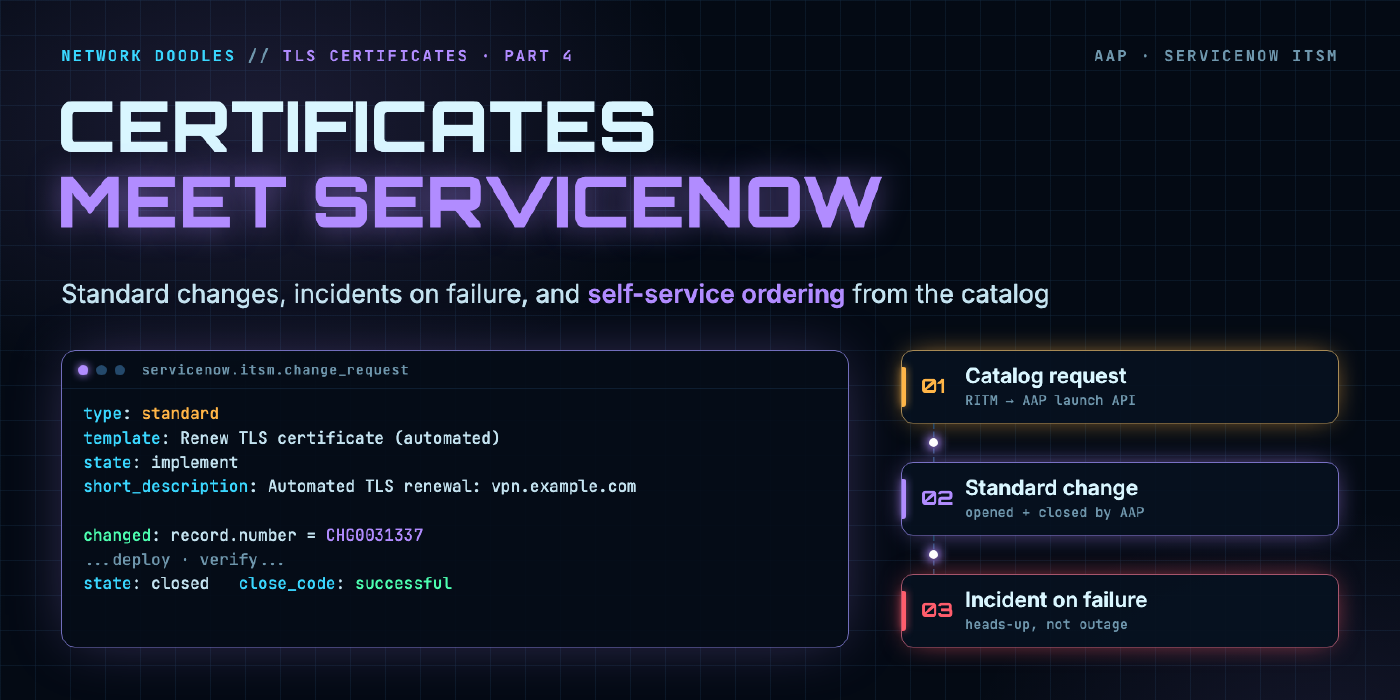
Managing TLS Certificates Using Ansible and Let’s Encrypt! PART 4:
Close the loop with ServiceNow: the AAP renewal workflow opens and closes its own standard change, raises an incident when verification fails, and new …
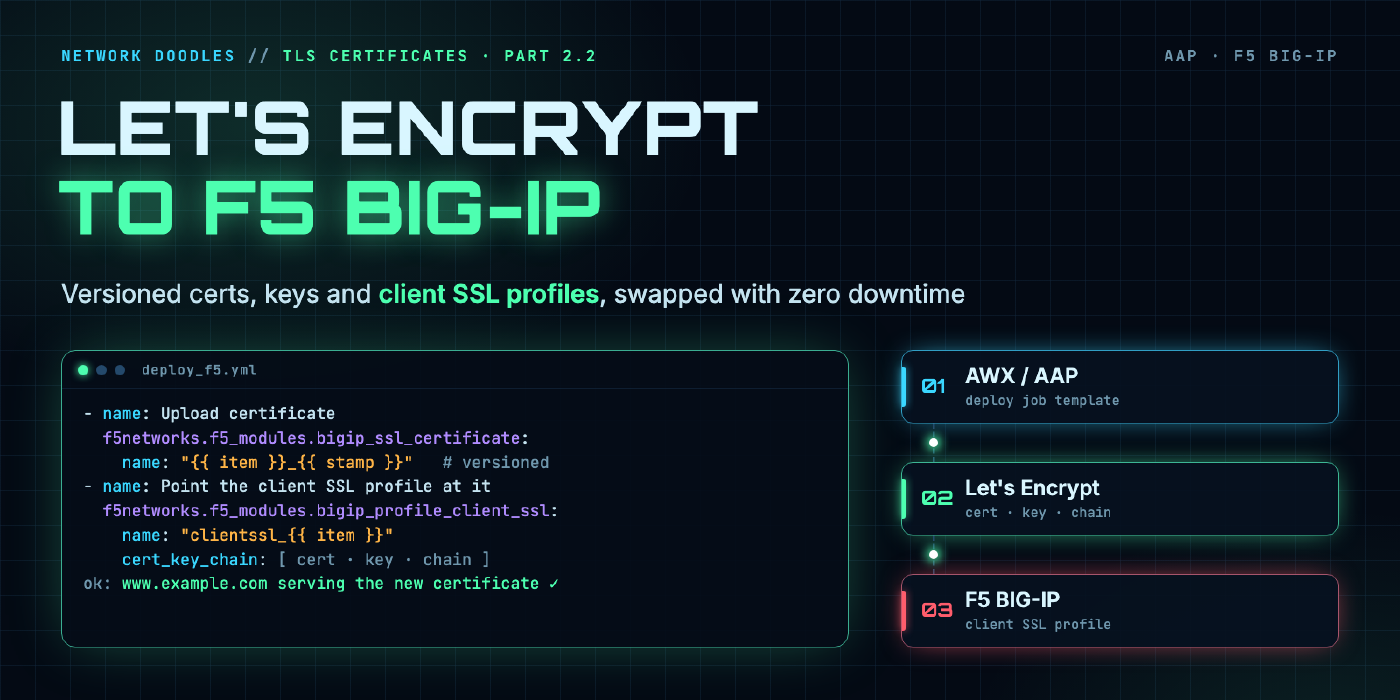
Managing TLS Certificates Using Ansible and Let’s Encrypt! PART 2.2:
Deploy Let's Encrypt certificates from your cert-store repo to F5 BIG-IP with Ansible and AWX/AAP: custom credentials, versioned cert and key objects, …
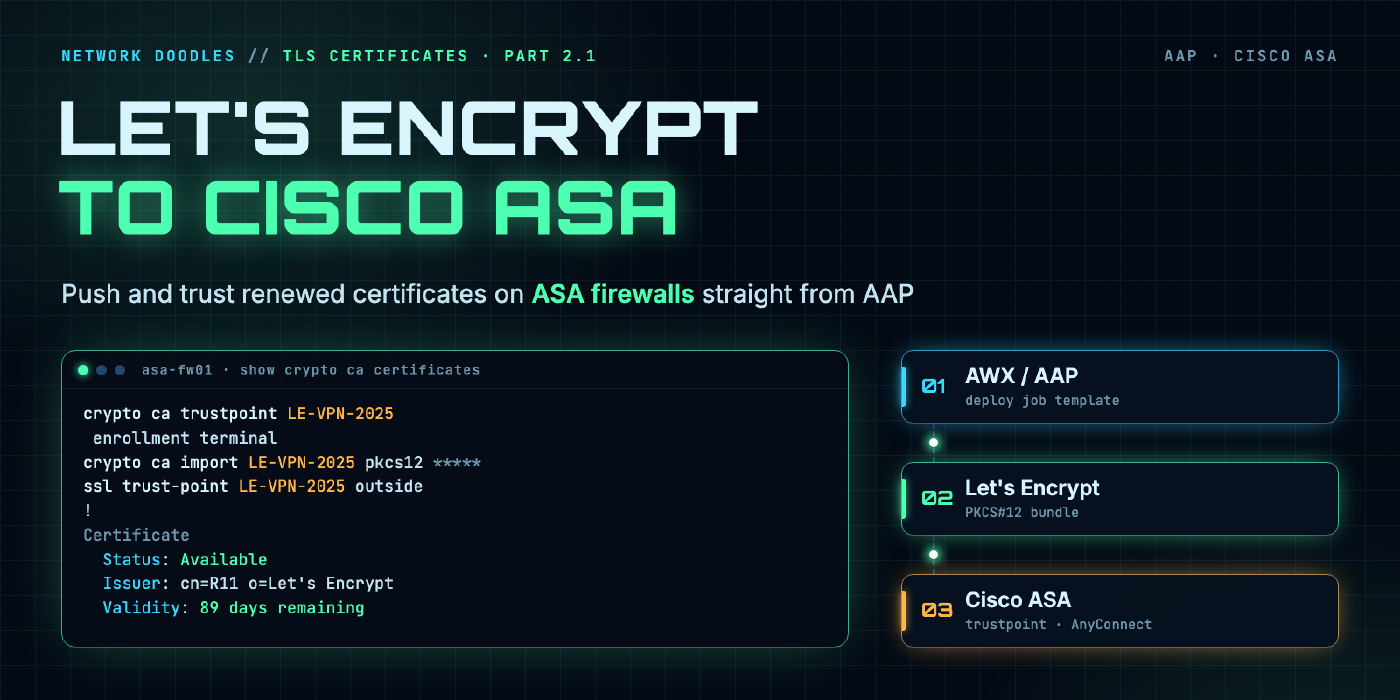
Managing TLS Certificates Using Ansible and Let’s Encrypt! PART 2.1:
In this post, we’ll demonstrate how to automate the deployment of Let's Encrypt certificates to Cisco ASA firewalls using Ansible, specifically within …