From InfraGenie to ODIN: Taking a Hackathon AI Agent to Production
How a first-place hackathon demo that let Claude provision, scan and remediate infrastructure through MCP became ODIN, a production operations agent where reads run freely, changes go through Git and AAP, and every guardrail lives in code instead of a prompt.
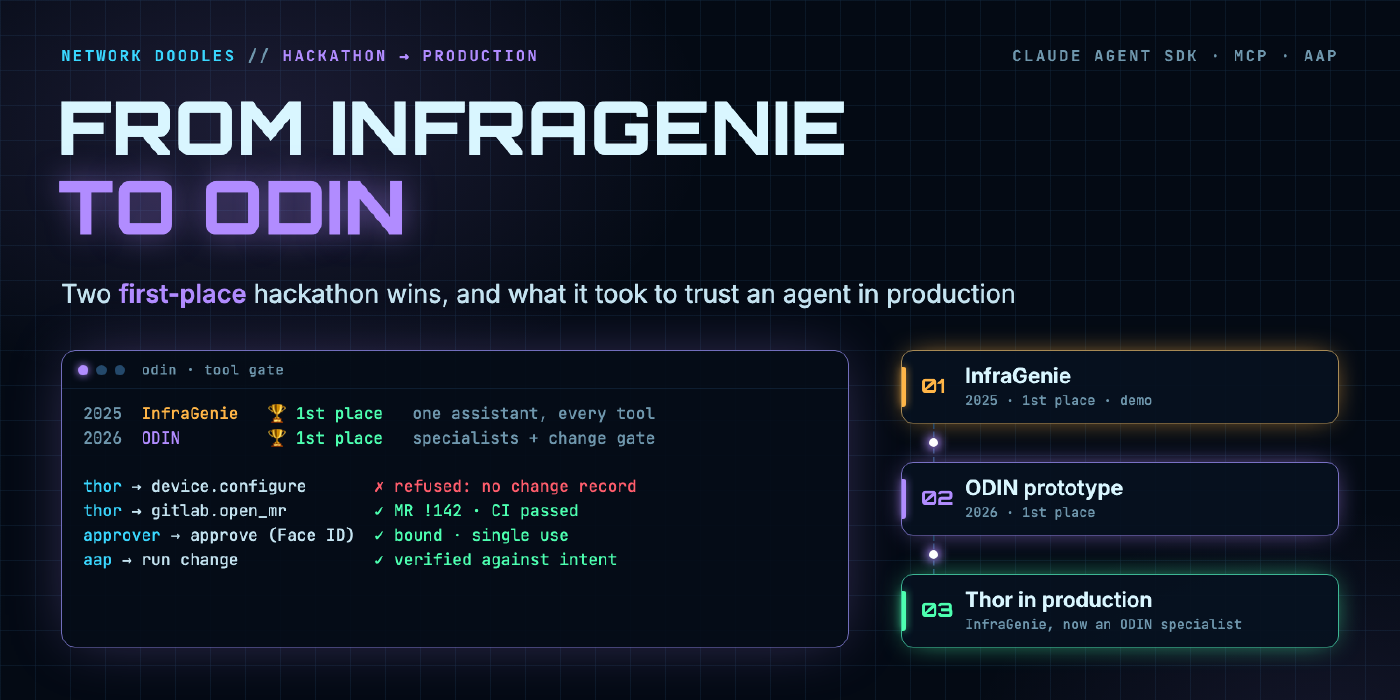
In August 2025, four of us built a thing called InfraGenie for a Presidio hackathon, and it took first place. In August 2026 we came back with its successor, ODIN, and took first place again. Fourteen months after that first win, the production version of ODIN runs my lab every day. It has an iPhone app with voice, it answers alerts at 2am, and it has never once been allowed to touch a device directly. And InfraGenie didn’t get thrown away: it lives inside ODIN as Thor, the specialist that makes every change.
ODIN has its own home now: odin-agent.networkdoodles.com is the full reference architecture, written vendor-neutral so you can build your own. This post is the story behind it, and the honest version of that journey: what the demo did, what we got away with because it was a demo, the two detours that taught me the most, and the handful of rules that turned a hackathon agent into something I trust in production.
The Hackathon: InfraGenie
The team was Manny Evangelista, Jeff Levensailor, Abhishek Singh and me. Our pitch was “AI-powered brownfield infrastructure orchestration”. The idea: most infrastructure isn’t greenfield, it’s a pile of existing VMs, switches and half-documented apps, and an AI agent should be able to work with what’s already there.
The demo was one prompt:
Create a new VM for my existing application, and tell me if my webserver VMs for the same application are DISA STIG compliant.
Behind it, Claude (in Claude Desktop or Cursor) had four MCP servers:
- AAP: about 25 tools against the Automation Platform API, built with FastMCP
- NetBox: three read-only tools to find the app’s existing servers
- OpenShift: the open-source
kubernetes-mcp-server, to provision a RHEL VM on OpenShift Virtualization - pyATS: show commands, and config pushes, on Cisco gear
The STIG hardening itself came from the excellent ansible-lockdown RHEL 9 STIG role. Credit where it’s due.
Here’s the demo flow. Step through it, then click The catch.
In the demo, a compliance cycle we estimated at three to four hours and two or three people (find the servers, scan, read the report, fix, re-scan, write it up) took 10 to 15 minutes and one person. That’s what won it, and it’s still the most persuasive thing I can show someone about agents and infrastructure.
What we got away with
Here’s the part nobody puts on the slide. InfraGenie was a great demo and a terrible production system, on purpose:
- TLS verification was off in the AAP and NetBox clients.
- API tokens lived in the MCP client config on a laptop, and OpenShift used a personal login token.
- The model held write tools directly: launching any AAP job, deleting inventories, exec and delete on pods, and pushing raw config through pyATS. Nothing in code stood between the model and the device.
- No approvals, no audit trail, no tests, no deployment. It ran wherever Claude Desktop ran.
None of that is a criticism of the hackathon. You have a weekend, and the point is to prove the idea. But the most important lesson from InfraGenie wasn’t about the model at all:
The risk was never the model. It was the tools we handed it.
The deck’s lessons-learned slides said the same thing in a more polite way: APIs are foundational, configuration should be federated in NetBox and Git, and enterprise guardrails (least-privilege service accounts, standard templates, change management) are what make this usable.
Two Detours
The road from InfraGenie to ODIN wasn’t straight. Two detours taught me more than the hackathon did.
Detour 1: guardrails as a prompt
The first follow-up (late 2025) turned InfraGenie into a proper agent definition: a system prompt for a “brownfield infrastructure orchestration agent”. It was thoughtful. It deduplicated inventory across sources, wrote change proposals with risk and rollback, required approvals, and required two approvers for anything touching more than five devices.
Every one of those rules lived in the prompt.
A prompt is a strong suggestion. It’s a very good strong suggestion with a modern model, and it will hold up for a thousand turns. Then on turn 1,001 a tool result contains text that looks like an instruction, or a long conversation pushes the rules out of focus, and the “mandatory” approval gets skipped. You can’t audit a suggestion, and you can’t prove to a change board that it will hold.
Detour 2: the platform
The second detour (early 2026) went the other way: a big, general-purpose agent platform. FastAPI and LangGraph, routing across eight-plus model providers, a visual flow builder, guard models, three tiers of memory, RBAC, SSO. It was impressive, and it was the wrong shape. It was so general that the hard problem, safely changing infrastructure, ended up being one feature among dozens instead of the whole point.
Between the two, the design for ODIN more or less wrote itself: narrow scope, and every guardrail enforced in code.
ODIN in Production
O.D.I.N. stands for Observe, Detect, Investigate, Normalize. It’s an operations agent built on the Claude Agent SDK (the full write-up is at odin-agent.networkdoodles.com). I drive it from a web HUD or a native iPhone app (with push-to-talk voice), and it runs my lab: the network, the servers, the VMs, the automation platform. It has run in production since October 2026, behind Cloudflare Tunnel and Access, with Keycloak sign-in.
Two sentences sum up the whole design:
- Reads run freely. Questions, audits and troubleshooting are read-only, enforced by code.
- Changes go through code. A GitLab merge request, run by AAP after an approver’s card.
Specialists instead of one assistant
InfraGenie was one assistant with every tool. ODIN is an orchestrator with specialists that routes each request to a specialist, and each specialist only sees its own MCP servers, runs on its own model, and can’t delegate further.
| Specialist | Model | Access | Job |
|---|---|---|---|
| Thor | Sonnet | writes, only through change records | changes: NetBox intent, device config, anything AAP reaches. This is InfraGenie, grown up |
| Heimdall | Opus | read-only | observability: discovery, drift, NetBox reconcile, config, PSIRT and EoL audits |
| Mimir | Opus | read-only + incident records | root cause: hypotheses, evidence, troubleshooting |
| Huginn | Sonnet | web only | research in vendor docs, release notes and advisories, cited |
| Freyr | Sonnet | VM power, GNS3 | lab machines; other VM changes go to Thor |
InfraGenie lives on as Thor
When I designed the specialists, the change specialist was obvious: it was InfraGenie. Thor is the hackathon agent’s direct descendant, and the way it makes changes is still called the InfraGenie method in ODIN’s code and docs. Thor’s change skill is literally titled Changes as code (InfraGenie method).
What carried over is the part that won: take a plain-English request, find what already exists in NetBox, and turn it into Ansible that AAP runs. What changed is everything around it:
- InfraGenie called write tools. Thor writes a merge request. Its output is a change record plus a playbook, and nothing touches a device until CI, check mode and a human approval have happened.
- InfraGenie was the whole system. Thor is one specialist. It doesn’t investigate or troubleshoot (that’s Heimdall and Mimir) and it can’t delegate. It gets a request, proposes the change and hands back.
- InfraGenie held tokens. Thor holds nothing. AAP holds the credentials and runs the approved job.
Same idea, same name in the code, completely different blast radius.
Heimdall literally cannot change anything. Not because the prompt says so, but because the tools it’s given are read-only and the gate refuses anything else. That’s the difference.
The gate
Every tool call, from every specialist, goes through the same gate, checked twice (in a pre-tool hook and again in the SDK’s permission callback):
- Scope: is this tool on one of this specialist’s servers?
- Budget: is this run still within its limits?
- Guards: protected VMs, show-command rules, research domains
- Admission: was this MCP server admitted, and does its source still match the hash it was admitted with?
- Policy and the change path: read? Run it. Write? Is there a change request from a human in this turn? If not, refuse.
Result: run, raise an approval card, or refuse. All of it in code you can test.
How a change actually happens
This is the path InfraGenie never had (step by step in ODIN’s workflows), and the reason I’m comfortable letting an agent anywhere near my network. It’s the same flow from my NetBox intent vs. state post and the Let’s Encrypt series, with an agent as the author instead of an engineer.
The rest of the safety model
- Isolation: agents run with no shell, no file read or edit, no settings files and no memory, in a neutral working directory. At startup ODIN checks the tool list and flags anything it didn’t grant.
- Admission by hash: an MCP server starts only if its launch command and source hash are pinned. Each tool is classed read, write or blocked. Change the server’s code and it’s refused until I re-admit it.
- Secrets never reach the model: the AAP MCP server redacts pre-shared keys, SNMP communities, TACACS and RADIUS keys, routing protocol keys and password hashes from show output and job logs before the model sees them.
- Untrusted content is data: tool output, web pages and hand-offs are labelled as data, never as instructions.
- Audit: every prompt, tool request, verdict, approval and delegation goes into a hash-chained, fsynced log. One command verifies the chain and fails on any edit, removal or reordering.
- People: Keycloak backed by Active Directory, viewer, operator and admin roles, and a separate approvers group. Being able to ask for a change and being able to approve it are two different permissions.
The full set of guardrails, with the reasoning behind each one, is on the ODIN guardrails page.
Hackathon vs. Production
| InfraGenie (2025) | ODIN (2026) | |
|---|---|---|
| Shape | One assistant, every tool | Orchestrator plus least-privilege specialists. InfraGenie became Thor, the change specialist |
| Write path | Model calls write tools directly | GitLab MR, run by AAP after a bound approval |
| Guardrails | The person typing the prompt | Code: change gate, tool gate, admission by hash |
| Credentials | Tokens in the client config | In Vault. AAP holds write credentials. Output redacted |
| Auth | None | Keycloak/AD, roles, approvers group |
| Audit | None | Hash-chained, verifiable log |
| Tests | None | Safety suite, smoke tests, model-in-the-loop evals in CI |
| Deploy | A laptop | CI-built images, deploy runner with health check and rollback |
| Interface | Claude Desktop / Cursor | Web HUD, iPhone app with voice, alert webhooks |
What I’d Tell a Hackathon Team
If you’re building an agent demo right now, build the demo. Cut every corner. Then, before anyone says “let’s put this in production”, come back to this list. (The longer version is ODIN’s design principles.)
- Guardrails are code, not prompts. Use the prompt for behavior: tone, method, what to check first. Never use it for safety. If the rule matters, the tool call should be impossible without it.
- Agents propose, pipelines apply. The agent’s output is a merge request. Your existing CI, check mode and approval process do the rest, and your change board already understands them.
- Agents never hold credentials. AAP holds the device credentials. The agent can ask AAP to run an approved job, and that’s it.
- Give each agent only the tools for its job. A read-only specialist that can’t write beats a general one that’s told not to.
- Audit your own transcripts. In October I reviewed about 30 of ODIN’s real chats. I found 208 repeated reads, and worse, Wi-Fi pre-shared keys from a config dump reaching the model. Both got fixed in code within days: batched evidence passes, and redaction in the MCP server. You won’t find these by reading the code. You find them by reading what the agent actually did.
- Keep a source of truth. Most of what made InfraGenie work was NetBox already knowing what existed. Most of what makes ODIN safe is that it compares against intent instead of guessing.
- The model is replaceable. The gate, the change path, the audit log and the pipeline are the product. When a better model ships, ODIN gets smarter and none of the safety changes.
Timeline
| When | What |
|---|---|
| Aug 2025 | InfraGenie takes first place at the hackathon |
| Oct–Nov 2025 | InfraGenie as an agent definition, guardrails in the prompt |
| Feb–Mar 2026 | The general-purpose agent platform detour |
| Aug 2026 | ODIN prototype takes first place again |
| Oct 16, 2026 | First working slice of ODIN in my lab |
| Oct 19, 2026 | Admission by hash, bound approvals, hash-chained audit, specialists, and the GitLab + AAP change path (the InfraGenie method, owned by Thor) |
| Oct 2026 | Keycloak multi-user, iPhone app, voice, production behind Cloudflare |
| Nov 2026 | Network digital twin for what-if analysis |
Two first-place finishes, and fourteen months from a weekend demo to something I trust with my own network. The agent that won in 2025 is still in there, doing the same job under a new name. Most of that time wasn’t spent making it smarter. It was spent making sure that when it’s wrong, nothing bad happens.
Want to build your own? Everything in this post, from the specialists and the gate to the change path and the network twin, is documented at odin-agent.networkdoodles.com.
If you want to dig into the building blocks, start with Build Your Own MCP Server, MCP Transport Types and Agent Skills. And if you’re taking your own hackathon project to production, I’d love to hear about it on LinkedIn.
Related doodles
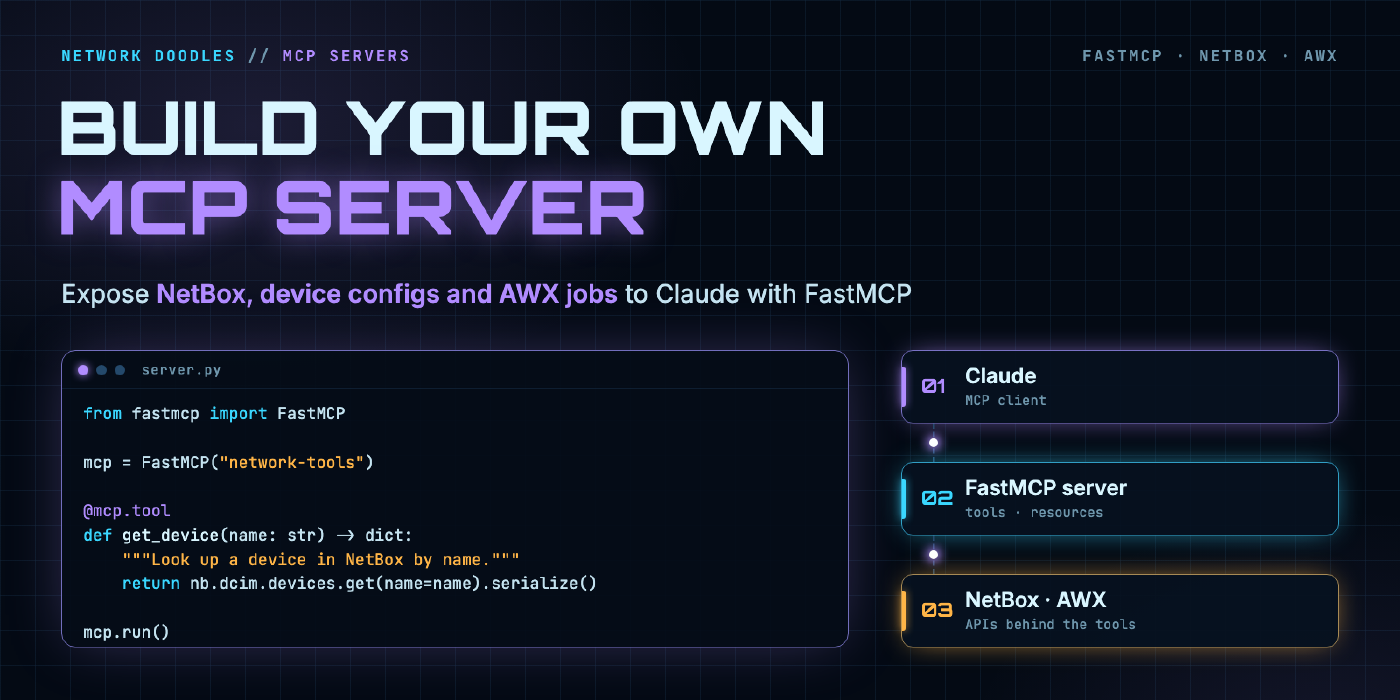
Build Your Own MCP Server for Network Automation Using FastMCP
A hands-on guide to building an MCP server that exposes NetBox queries, device configs, and AWX job templates directly to Claude using FastMCP and …
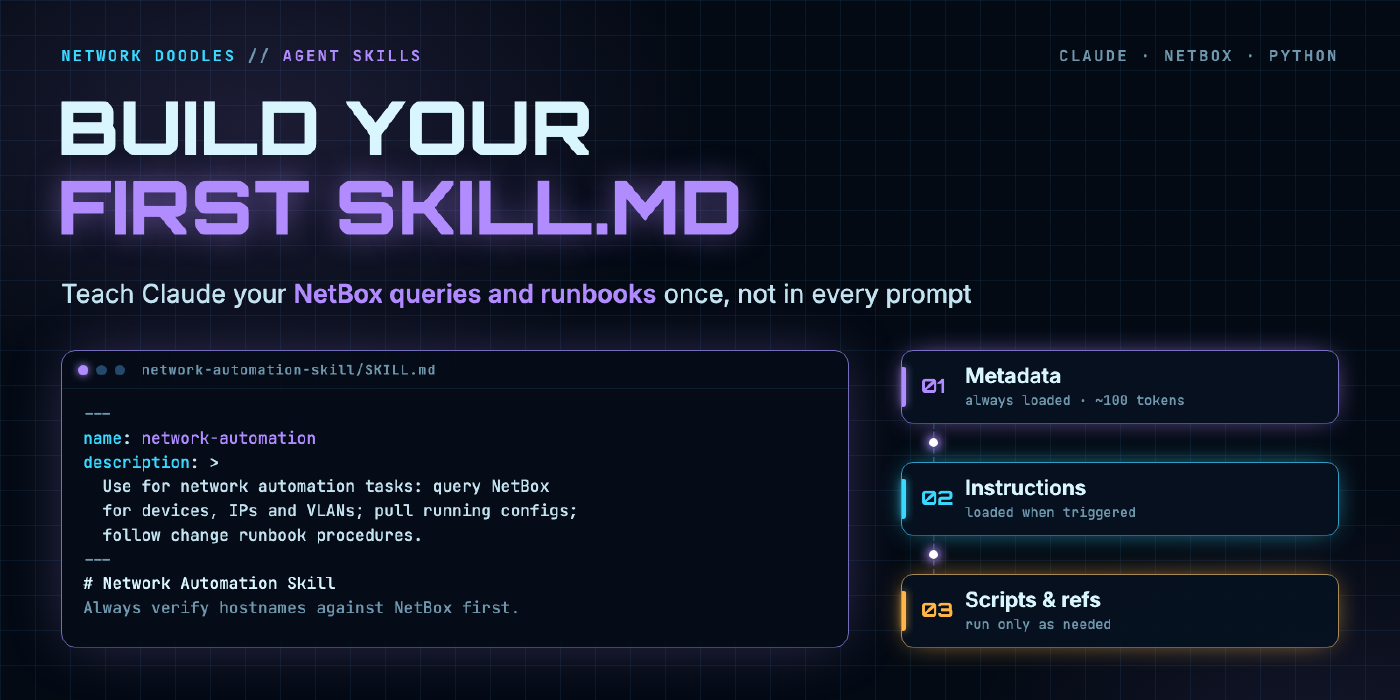
Anthropic Agent Skills for Network Automation: Build Your First SKILL.md
Learn how to build Anthropic Agent Skills for network automation, including a complete SKILL.md example with NetBox queries, device config retrieval, …
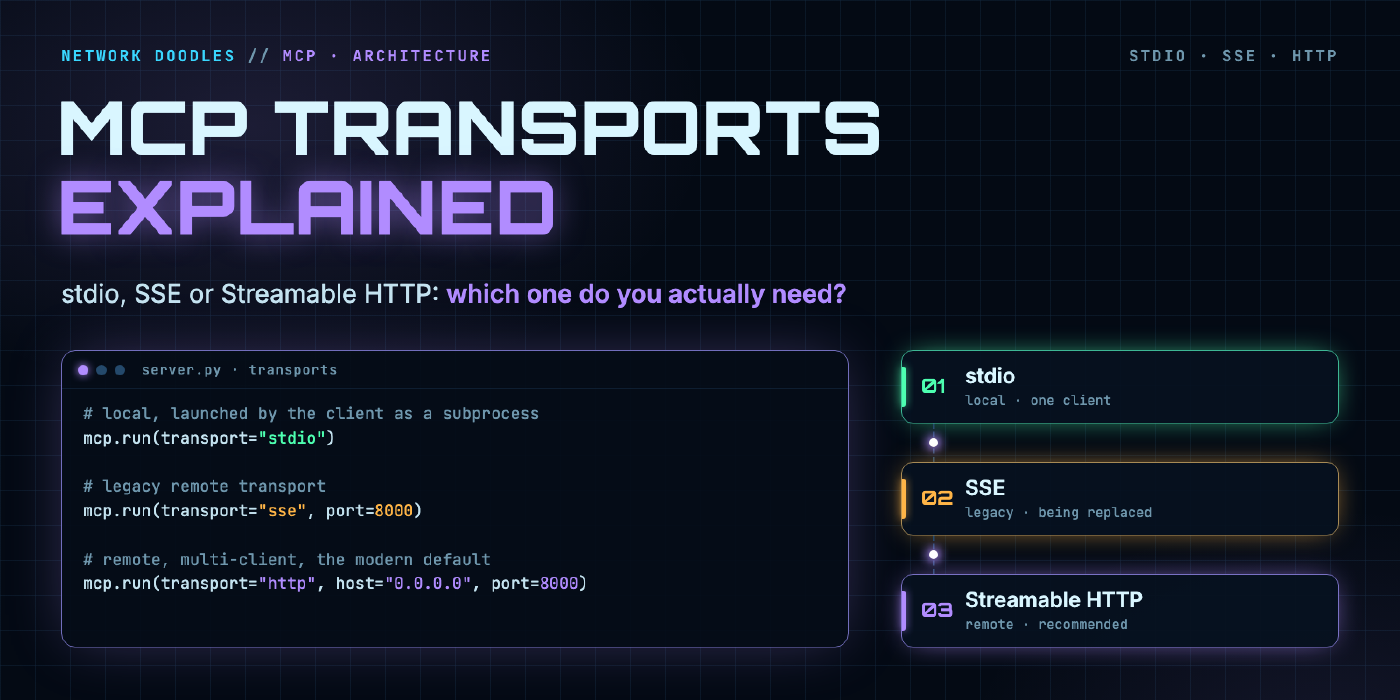
MCP Transport Types Explained: stdio, SSE, and HTTP Streamable, Which One Do You Actually Need?
A practical guide to MCP transport types, breaking down stdio, SSE, and HTTP Streamable with FastMCP configuration examples and a clear decision guide …