STOP HARD CODING PASSWORDS IN YOUR CODE!
Don’t you hate when tutorials show you something and then say, “I’m just doing it this way for the tutorial,” or, “It’s my lab, so they don’t use best practices,” but never show you the proper way?
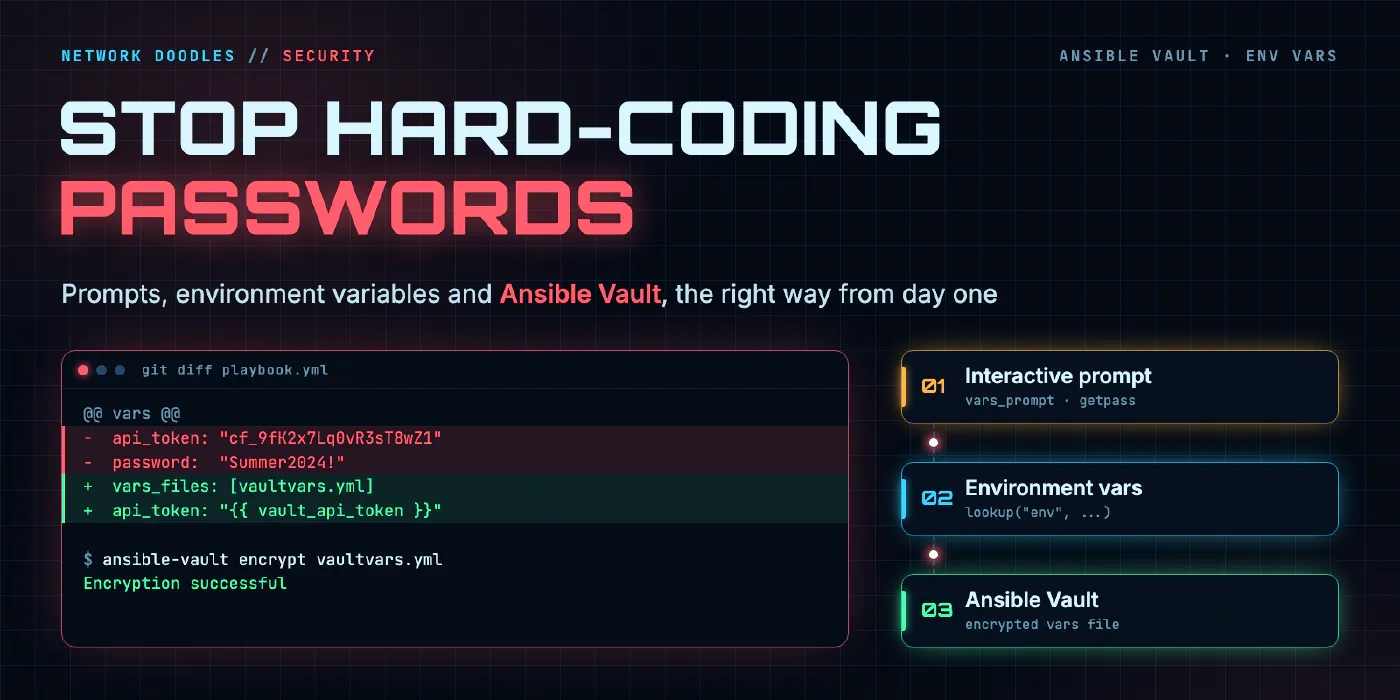
vars_prompt in Ansible, getpass in Python), read them from environment variables (lookup('env', ...) in Ansible, os.getenv in Python), or encrypt them in an Ansible Vault file and run the playbook with --ask-vault-pass. Whichever you pick, never print the secret, and set no_log: true on Ansible tasks that use it so it stays out of task output and logs.Don’t you hate when tutorials show you something and then say, “I’m just doing it this way for the tutorial,” or, “It’s my lab, so they don’t use best practices,” but never show you the proper way? One thing that always bothered me when I was starting out with network automation was tutorials that almost always used plain text passwords with a disclaimer: “This is my lab; don’t do this in production.” Yet, they never showed me how to properly store passwords in my automation code. So today, I’m sharing a few easy ways to do this:
1. Don’t hardcode your passwords: Use interactive prompts
Ansible: Use vars_prompt to ask for a password.
# playbook.yml
- name: Example playbook
  hosts: localhost
  gather_facts: false

  vars_prompt:
    - name: password
      prompt: "Enter your password"
      private: true

  tasks:
    - name: Confirm a password was entered (without printing it)
      ansible.builtin.debug:
        msg: "Password received ({{ password | length }} characters)"
Notice the task doesn’t print the password itself. The whole point is to keep the secret out of your files, so don’t turn around and put it in your terminal scrollback or job logs instead.
Python: Use getpass to securely prompt for a password.
# script.py
import getpass

password = getpass.getpass("Enter your password: ")
print(f"Password received ({len(password)} characters)")  # never print the password itself
2. Environment variables: Store passwords in environment variables
Creating Environment Variables:
Linux:
export API_KEY="your-api-key"
export ZONE_ID="your-zone-id"
Windows:
$env:API_KEY="your-api-key"
$env:ZONE_ID="your-zone-id"
Ansible: Access environment variables using lookup.
# playbook.yml

- name: Example playbook
  hosts: localhost
  gather_facts: false

  tasks:
    - name: Call an API using the key from an environment variable
      ansible.builtin.uri:
        url: "https://api.cloudflare.com/client/v4/zones/{{ lookup('env', 'ZONE_ID') }}"
        headers:
          Authorization: "Bearer {{ lookup('env', 'API_KEY') }}"
      no_log: true  # keeps the key out of the task output and logs
no_log: true matters here. Without it, Ansible can echo the module arguments, including that Authorization header, when a task fails or when you run with -v.
Python: Use os.getenv to get environment variables.
# script.py
import os

api_key = os.getenv("API_KEY")
zone_id = os.getenv("ZONE_ID")

if not api_key:
    raise SystemExit("API_KEY is not set")

print(f"Zone ID is {zone_id}")  # fine to print, it's not a secret
# Use api_key in your request headers, but never print it
3. Secrets management tools: Encrypt and include secure variable files
Ansible: Use Ansible Vault to encrypt a variable file and include it in a playbook. Create a vars file named vaultvars.yml
# vaultvars.yml (before encryption)
---
api_key: "your-api-key"
Encrypt the variable file
ansible-vault encrypt vaultvars.yml
Include the vaultvars.yml in your playbook
# playbook.yml
- name: Example playbook with Vault
  hosts: localhost

  vars_files:
    - vaultvars.yml

  tasks:
    - name: Call an API using the key from the vault
      ansible.builtin.uri:
        url: "https://api.cloudflare.com/client/v4/user/tokens/verify"
        headers:
          Authorization: "Bearer {{ api_key }}"
      no_log: true
Run it with ansible-playbook playbook.yml --ask-vault-pass (or --vault-password-file) so Ansible can decrypt the file at runtime.
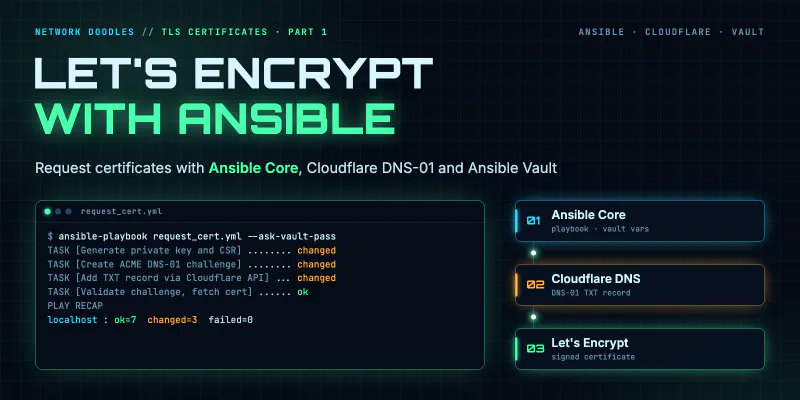
Use these methods, and you can enhance the security of your automation scripts and set a good example for others. To see Vault in a real project, Part 1 of the Let’s Encrypt series keeps a Cloudflare API token in an encrypted vars file, and Part 2 moves the same secret into AWX/AAP credentials so the playbook never sees it.