Capture Filters vs Display Filters (Wireshark 101, Lesson 2)
Capture filters decide what’s saved and can’t be undone. Display filters decide what you see. BPF vs Wireshark fields, contains and matches, and why ip.addr != x still doesn’t do what you think.
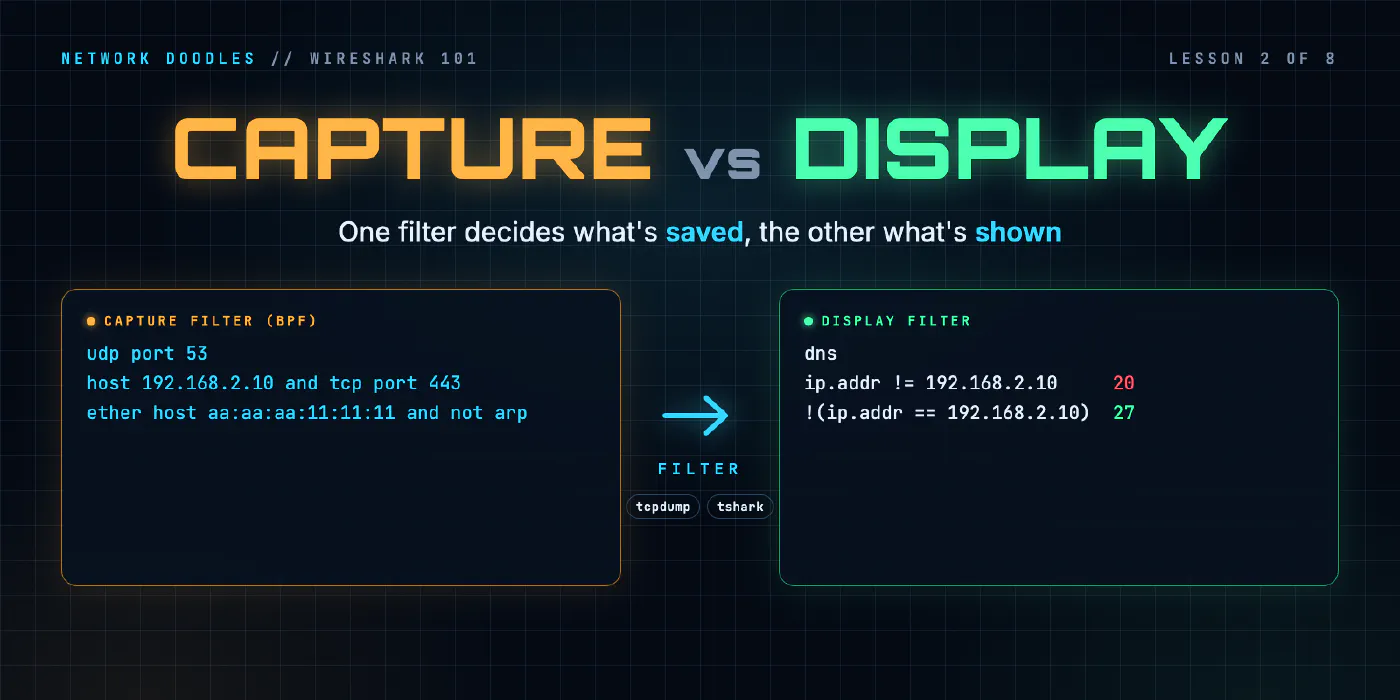
lesson 2 of 8 · course Wireshark 101
- 1What a capture shows
- 2Capture vs display filters
- 3ARP: finding the neighbor
- 4DHCP: getting an address
- 5DNS: names to addresses
- 6TCP: handshake, data, teardown
- 7TLS without decrypting it
- 8Troubleshooting a broken path
Wireshark has two kinds of filter, written in two different languages, and they work at two different times. A capture filter runs while you capture and decides which frames are saved at all: whatever it rejects is gone for good. A display filter runs on a capture you already have and only hides frames: clear it and they’re all back. So the rule is simple. Capture wide, with no filter or a loose one, and filter narrow afterwards.
Lesson 1 was about what a capture is and where to take it. This one is about finding the frames you care about in it. Every count below comes from tshark 4.6.5, Wireshark’s command-line twin, run against the lab’s reference capture of r1’s switch port: 64 frames of ARP, DNS, pings, HTTP, HTTPS and the switch’s own STP messages, from about four seconds of a quiet network.
What is a capture filter?
A capture filter is written in BPF, the Berkeley Packet Filter language: the same one tcpdump uses. It’s old, small and fast, because of where it runs. The capture library compiles your filter into a tiny program, and the operating system’s kernel runs that program on every frame before it’s handed to the capture tool. A frame the program rejects is never copied out of the kernel, never written to disk, and can never be recovered.
You can see the program. tcpdump -d 'udp port 53' prints it, and it starts like this:
(000) ldh      [12]
(001) jeq      #0x86dd          jt 2	jf 8
...
(018) ret      #262144
(019) ret      #0
Load the two bytes at offset 12 of the frame (the Ethernet type), check whether they say IPv6, and so on.
ret #262144 means keep up to 262,144 bytes of this frame, and ret #0 means drop it. That’s the whole
idea: a capture filter is arithmetic on header bytes at fixed positions.
Which is also its limit. BPF knows addresses, ports and protocol numbers, and that’s about it:
| BPF capture filter | Keeps |
|---|---|
host 192.168.2.10 | frames to or from that address |
src host 192.168.1.20 | frames from it |
udp port 53 | UDP to or from port 53 |
tcp port 443 | TCP to or from port 443 |
ether host aa:aa:aa:11:11:11 | frames to or from that MAC address |
arp, not arp | ARP, or everything else |
host 192.168.2.10 and tcp port 80 | both must be true (and, or, not) |
BPF can’t say DNS. It can say port 53 and trust that whatever uses port 53 is DNS. It can’t say the HTTP request for /login, because that’s inside the payload, at no fixed offset. If the answer you need is past the headers, a capture filter can’t find it.
One BPF detail catches people. host 192.168.1.1 matches the address wherever BPF knows to look, and that
includes ARP. On the reference capture it keeps 4 frames, all of them ARP: the laptop and the printer asking
for r1, and r1 answering. Write ip host 192.168.1.1 and it keeps 0, because nothing in that capture sent an
IP packet to or from r1 itself. The pings went through r1, to a server further away.
What is a display filter?
A display filter is written in Wireshark’s own language, and it works on the decoded capture. Every line in
the packet details pane is a field with a name, made by the dissector, the part of Wireshark that
decodes one protocol. Click a field and its name appears in the status bar: ip.src, dns.qry.name,
tcp.flags.syn, tls.handshake.extensions_server_name. tshark 4.6.5 lists 269,301 of them, from
every protocol it can decode.
So a display filter can ask anything a dissector understood:
| Display filter | On the reference capture |
|---|---|
dns | 12 frames: every frame with a DNS layer |
ip.src == 192.168.1.20 | 3: the printer’s own packets |
ip.addr == 192.168.1.20 | 6: the printer as source or destination |
ip.addr == 192.168.2.0/24 | 57: anything to or from the server network |
tcp.port in {80, 443} | 33: both web connections |
http.host == "web.lab" | 1: the HTTP request that asked for that name |
tcp.flags.syn == 1 && tcp.flags.ack == 0 | 2: the first packet of each TCP connection |
tls.handshake.extensions_server_name == "web.lab" | 1: the HTTPS request’s name, before encryption |
That last one is a field inside an encrypted connection’s handshake, at a position that changes from packet to packet. No capture filter could reach it. A display filter just names it.
A filter with a typo is an error, not a silent empty result, which is good:
tshark: "ip.adr" is not a valid protocol or protocol field.
    ip.adr == 1.2.3.4
    ^~~~~~
In Wireshark the filter bar turns red instead, and green when the filter makes sense.
| Capture filter | Display filter | |
|---|---|---|
| Language | BPF (tcpdump’s) | Wireshark’s display filter language |
| Runs | in the kernel, while capturing | in Wireshark, on a saved capture |
| Can see | header fields at fixed offsets | every field any dissector decoded |
| What it does to rejected frames | never saved | hidden, still in the file |
| Undo | no | clear the filter |
| Cost | very cheap, so it keeps up with busy links | needs the whole capture decoded first |
How do contains and matches work?
Two operators search for text rather than compare values.
contains looks for an exact sequence of bytes or characters in a field, or in the whole frame.
frame contains "web" keeps 13 frames on the reference capture: the DNS questions and answers for web.lab,
the HTTP request (its Host header), the page that came back, and the TLS Client Hello, whose server name is
sent in clear text. It’s case-sensitive: dns.qry.name contains "PRINT" finds nothing, because the name is
printer.lab.
matches takes a regular expression, and it’s case-insensitive by default.
dns.qry.name matches "^PRINT" finds both printer frames. Put (?-i) at the front of the expression and it
becomes case-sensitive again, and finds none.
Use contains when you know the exact text, and matches when you need a pattern or don’t trust the case.
Why is ip.addr a two-way field?
A frame has one IP source and one IP destination, but Wireshark also gives it ip.addr, a field that appears
twice: once with the source and once with the destination. ip.addr == 192.168.1.20 is true if either
copy matches, which is exactly what you want for “everything to or from the printer”. eth.addr, tcp.port
and udp.port work the same way.
It’s the most useful shortcut in Wireshark, and it’s the reason for the most famous trap in it.
What does ip.addr != x really match?
The question is what not equal means for a field with two values. Is ip.addr != 192.168.2.10 true when
any copy is different, or only when all of them are?
For years, Wireshark used any. Every packet between the laptop and the web server has one address that isn’t
the web server’s, so ip.addr != 192.168.2.10 matched nearly everything, including all the traffic you were
trying to remove. Every guide warned you never to write it.
Wireshark 3.6 changed that. Its release notes
say “a != b” now has the “same meaning as !(a == b)”, and kept the old meaning available as ~=. Wireshark
4.0 deprecated ~= in favor of !==. In
tshark 4.6.5, ~= is a syntax error.
So the old warning is out of date. But there’s one difference left, and it’s the one that bites now. Here are the three versions on the reference capture:
| Filter | Frames | What it means |
|---|---|---|
ip.addr != 192.168.2.10 | 20 | frames that have an IP address, none of them web’s |
!(ip.addr == 192.168.2.10) | 27 | every frame that doesn’t mention web, IP or not |
ip.addr !== 192.168.2.10 | 57 | the old meaning: any address that isn’t web’s, so every IP frame |
The difference between 20 and 27 is 4 ARP frames and 3 STP frames. They have no ip.addr field at all, and a
comparison on a field that isn’t there is false, so != drops them. !(ip.addr == ...) asks the positive
question first (is web in it?: no, for ARP), then turns the answer round, so they stay.
That’s usually what you want when you say “everything except web”. The habit to build: write the filter for
the thing you want to hide, then put !( ) round it.
Does && bind tighter than ||?
Yes, since Wireshark 4.0, whose release notes say logical AND “now has higher precedence than logical OR, in line with most programming languages”. Before 4.0 it didn’t, so a filter that mixes the two can give a different answer on an older version.
It changes results. Take DNS or ARP, sent by the laptop:
| Filter | Frames | Read as |
|---|---|---|
dns || arp && eth.src == aa:aa:aa:11:11:11 | 13 | DNS from anyone, or ARP from the laptop |
(dns || arp) && eth.src == aa:aa:aa:11:11:11 | 6 | what you meant |
Use brackets whenever you mix them. They make a filter mean the same thing in every version, and to every person who reads it.
How much should you capture?
Capture wide, filter narrow. You can always hide a frame you saved. You can never get back a frame a capture filter threw away, and the clue you didn’t expect is usually in the traffic you’d have thought irrelevant: an ARP storm, a second DHCP server, a retransmission from a host you weren’t watching.
Capture filters still have their place, for three reasons:
- Volume. A busy link fills a disk quickly. A filter keeps the file to what you need.
- Load. Capturing every frame on a fast link can drop frames on a slow capture machine. Filtering in the kernel is the cheapest way to keep up.
- Privacy and policy. Sometimes you’re only allowed to keep one application’s traffic. The safest copy of someone else’s data is the one you never saved.
Two more settings decide how much a capture keeps.
Snap length
The snap length is how many bytes of each frame are saved. The lab’s files save up to 262,144 bytes per
frame, the same number as that ret #262144 in the BPF program: in practice, all of every frame. Set it
small and you keep the headers and drop the payload. Here’s the HTTP request from the reference capture,
cut to 54 bytes per frame with editcap -s 54:
Frame 24: Packet, 137 bytes on wire (1096 bits), 54 bytes captured (432 bits) on interface sw1:eth1, id 0
   24 2.382133001 192.168.1.175 → 192.168.2.10 TCP 137 50124 → 80 [PSH, ACK] Seq=1 Ack=1 Win=502 Len=71[Packet size limited during capture]
The addresses and ports survived, the GET is gone, and Wireshark says so. A small snap length is a good
way to capture who talked to whom for a long time without keeping what they said. It’s a bad idea when
you’re troubleshooting the application.
Ring buffers
A ring buffer is a set of capture files used in turn: write file 1 until it reaches a size or an age,
then file 2, and when the last one is full, overwrite the oldest. tshark’s -b option does it (filesize,
duration, files). It’s how you wait for an intermittent problem: leave a capture running for days with,
say, ten files of 100 MB, and when the problem happens, stop it. The last gigabyte of traffic before the
problem is on disk, and the disk never filled.
What I see go wrong
A capture filter that removed the answer. host 192.168.2.10 looks like a sensible filter for “web’s
traffic”, until the problem turns out to be the client’s ARP or DNS, which never involved that address. If you
filter at capture time, filter on the client, not the server, and keep it loose.
ip.addr != x from an old guide. It’s no longer the disaster those guides describe, but it still drops
every frame without an IP address. When you want “everything except”, use !(field == value).
Mixing && and || without brackets. It works, in Wireshark 4.0 and later, by precedence. Someone on an
older version, or someone reading it quickly, gets a different answer.
Treating BPF and display filters as one language. port 53 is BPF; udp.port == 53 is a display filter.
The filter bar rejects the first, and tcpdump rejects the second. Know which box you’re typing in.
Trusting an empty result. A display filter that shows nothing might mean the traffic isn’t there, or that you asked for a field from the wrong protocol. Before you conclude anything, take a frame you know should match and check that the filter matches it.
Try it
Chapter 2 of the lab gives you the same reference capture used here. You
write display filters that have to pick exactly the right frames, see the != difference for yourself, and
then write capture filters in BPF and find out what they threw away.
What’s next
Lesson 3 uses those filters on the first protocol every conversation needs: ARP, the question a host asks before it can send anything to its neighbor.
Related doodles
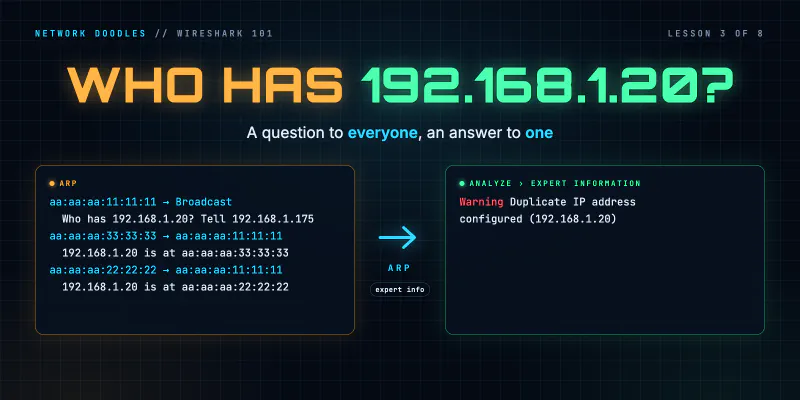
ARP on the Wire: Who Has This Address? (Wireshark 101, Lesson 3)
ARP turns an IP address into a MAC address with one broadcast question and one unicast answer. The fields, the neighbor cache, ARP for the gateway, …
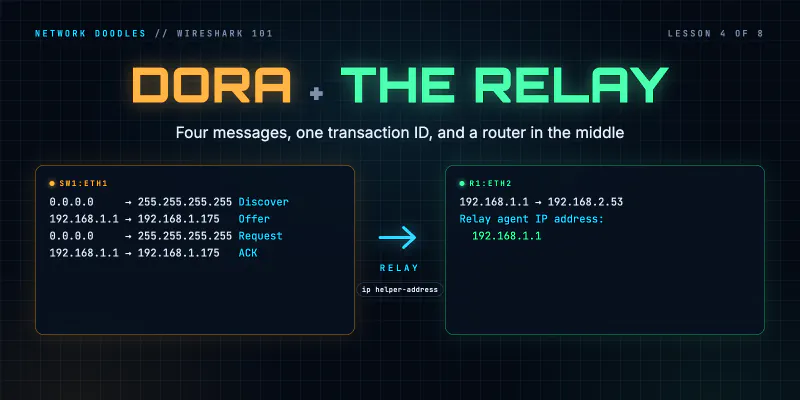
DHCP on the Wire: How a Host Gets an Address (Wireshark 101, Lesson 4)
DHCP in packets: four messages sent before the host has an address, the options that matter, leases and renewal, and how a relay with ip …
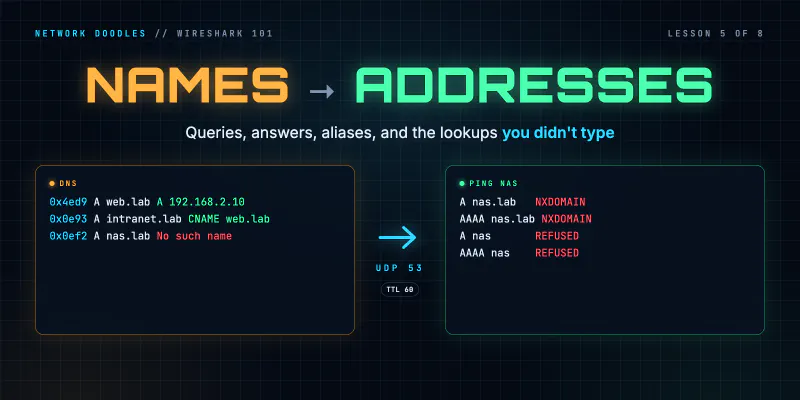
DNS on the Wire: Queries, Answers and the Lookups You Didn't Type (Wireshark 101, Lesson 5)
A DNS lookup is two UDP packets matched by a transaction ID. How to read the flags, the reply codes, A, AAAA and CNAME records and TTLs in Wireshark, …