Wireshark 101
Read the network one packet at a time. What a capture is and where to take it, capture and display filters, then ARP, DHCP, DNS, TCP and TLS as they really look on the wire, and a method for finding a broken path. Eight lessons, each with a hands-on lab chapter.
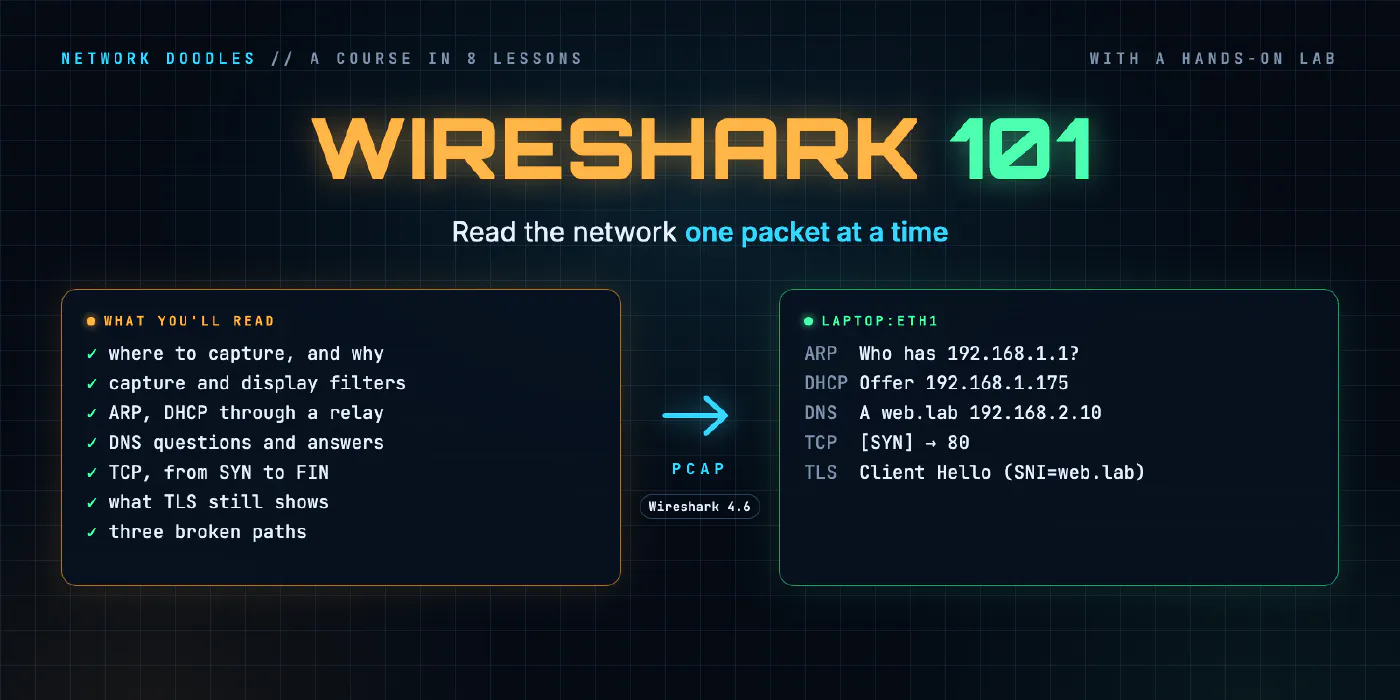
Networking 101 explained how a laptop gets an address, finds its neighbors, looks up a name and opens a web page. This course shows you all of that happening, one packet at a time.
Wireshark is the tool network engineers reach for when the diagrams and the show commands disagree. It records what actually crossed a cable and decodes every layer of it. The lessons are about reading what it shows: what a capture is and where to take one, how to find the frames you care about in thousands, what ARP, DHCP, DNS, TCP and TLS really put on the wire and why, and a method for finding where a broken path breaks.
Every lesson comes with a chapter of the hands-on lab: the Networking 101 home network, two routers and a web server, with Wireshark running in your browser.
- 1
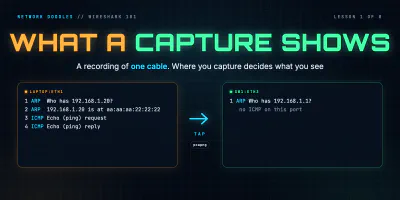 What a capture shows
A packet capture is a recording of the frames that crossed one point in the network. Wireshark's three panes, timestamps, pcap vs pcapng, and why where you capture …
- 2
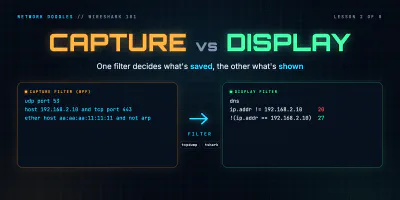 Capture vs display filters
Capture filters decide what's saved and can't be undone. Display filters decide what you see. BPF vs Wireshark fields, contains and matches, and why ip.addr != x still …
- 3
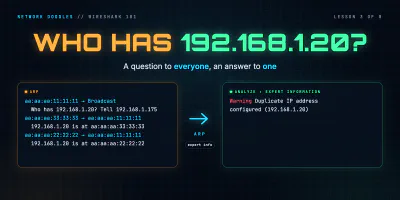 ARP: finding the neighbor
ARP turns an IP address into a MAC address with one broadcast question and one unicast answer. The fields, the neighbor cache, ARP for the gateway, gratuitous ARP, and …
- 4
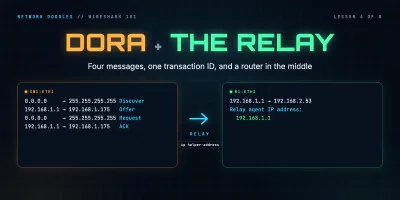 DHCP: getting an address
DHCP in packets: four messages sent before the host has an address, the options that matter, leases and renewal, and how a relay with ip helper-address carries a …
- 5
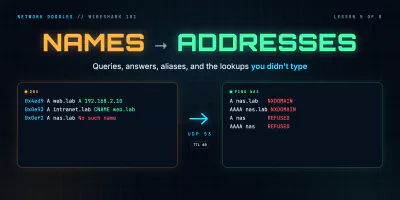 DNS: names to addresses
A DNS lookup is two UDP packets matched by a transaction ID. How to read the flags, the reply codes, A, AAAA and CNAME records and TTLs in Wireshark, and why one short …
- 6
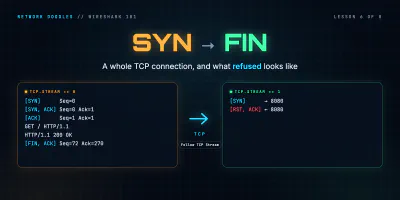 TCP: handshake, data, teardown
One web page is twelve TCP frames. How to read the handshake, sequence and acknowledgement numbers, the window and SYN options in Wireshark, how a connection closes, and …
- 7
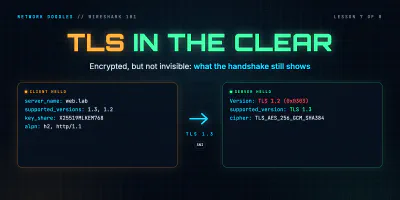 TLS without decrypting it
HTTPS hides the page, not the handshake. What Wireshark still reads in TLS 1.2 and 1.3: the server name, versions, ciphers, ALPN and certificate, why the version fields …
- 8
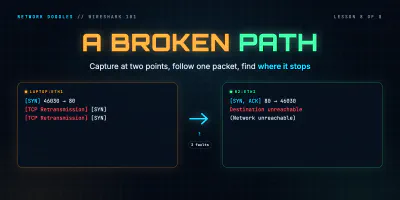 Troubleshooting a broken path
Capture at two points at once and follow one packet: the fault is between the last place you see it and the first you don't. How loss, a silent ACL drop, a missing return …