Running Python: the REPL, Scripts, pip and venvs (Python 101, Lesson 1)
Three ways to run Python, where pip puts packages, why every project gets its own venv, what externally-managed-environment means, and how requirements.txt pins versions.
lesson 1 of 8 · course Python 101 for network engineers
- 1Running Python
- 2Strings, lists and dicts
- 3Loops, conditionals and functions
- 4Files, modules and errors
- 5Regex and TextFSM
- 6Talking to devices with Netmiko
- 7YAML, JSON and a first REST call
- 8Capstone: an inventory to CSV
You can run Python three ways: type lines at its prompt, the REPL, and see each answer straight away; save the lines in a file and run the file as a script; or run a tool that someone else wrote in Python. All three use the same program, the Python interpreter. The thing that trips beginners up isn’t the code. It’s which Python runs it, and where the packages it needs were installed.
So this lesson is about the ground everything else stands on: the REPL as a calculator and an experiment
bench, a first script, packages and pip, and the virtual environment (venv), a folder that gives one
project its own Python and its own packages. Every command and output below comes from the
lab’s codespace: Python 3.11 on Debian 12.
What does “running Python” actually mean?
Python is a program, the interpreter, that reads Python code and does what it says, one statement at a time. There’s no separate build step, unlike C or Go: you hand it the code and it runs. That makes it quick to try things, and it’s a big part of why network automation settled on it.
In a terminal, the interpreter is called python3, and often python as well. Ask it what it is:
$ python --version
Python 3.11.18
The first number is the language: Python 3. Python 2 stopped getting fixes in 2020, and nothing in this course, or in the libraries it uses, runs on it. The second number, 11, is the release, and new releases add features: this course uses nothing newer than 3.11. The last number is a bug-fix release.
What is the REPL for?
Run python with no file and you get its interactive prompt:
$ python
Python 3.11.18 (main, Oct 28 2026, 04:42:12) [GCC 12.2.0] on linux
Type "help", "copyright", "credits" or "license" for more information.
>>>
That’s the REPL: it Reads a line, Evaluates it, Prints the result and Loops back for the
next one. >>> is its prompt, the way r1# is a router’s. Type an expression and the answer comes straight
back:
>>> 2 + 2
4
>>> 10 / 4
2.5
>>> 10 // 4
2
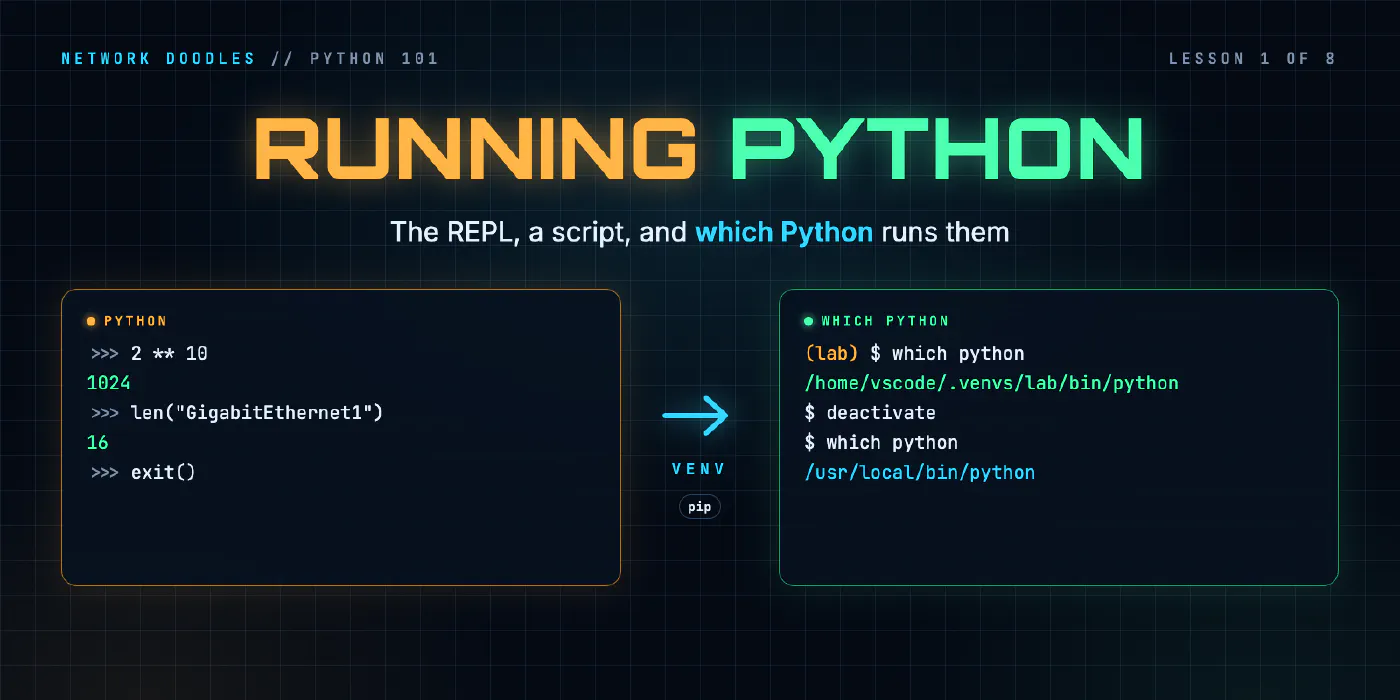
>>> 2 ** 10
1024
>>> len("GigabitEthernet1")
16
/ always gives a decimal, // throws the remainder away, and ** is “to the power of”. len() counts, here
the letters in an interface name. You can keep values under a name and use them again:
>>> x = 24
>>> 32 - x
8
>>> 2 ** (32 - x) - 2
254
That’s the number of usable addresses in a /24, worked out from the prefix length. Python comes with a whole library for that too, so you rarely have to do it by hand:
>>> import ipaddress
>>> ipaddress.ip_network("192.168.10.0/24").num_addresses
256
Use the REPL like a network engineer uses a lab router: to try a command before it goes into a config. When
you’re not sure what a piece of code does, paste it in and look. help() explains anything it knows about:
>>> help(len)
Help on built-in function len in module builtins:

len(obj, /)
    Return the number of items in a container.
exit(), or Ctrl+D, leaves the REPL. Nothing you typed is kept, which is the point of
the next section.
What is a script?
A script is the same Python, saved in a file so it can run again. By convention the file ends in .py.
This is the whole of the lab’s first one, scripts/hello.py:
print("Hello, network!")
And this is running it:
$ python scripts/hello.py
Hello, network!
python reads the file from top to bottom and runs each line, as if you’d typed them at >>>. There’s
one difference: a script prints only what you tell it to print(). In the REPL, 2 + 2 shows 4 because the
REPL prints every answer. In a script, 2 + 2 is worked out and quietly thrown away.
Everything you’ll build in this course is a script or a function a script calls. The REPL is where you find out how to write them.
Which Python is running?
A computer can have several Pythons installed, and the terminal runs whichever one it finds first in the folders
listed in PATH (the variable Linux CLI 101 explains). which says which one that
is. In a new terminal in the lab’s codespace:
$ which python
/home/vscode/.venvs/lab/bin/python
That’s not a system folder. It’s the lab’s venv, which the next sections explain. Leave it with deactivate,
and the same command finds another Python:
$ deactivate
$ which python
/usr/local/bin/python
And the codespace has a third one, Debian’s own, at /usr/bin/python3. They aren’t interchangeable: each has
its own set of installed packages, and a package installed for one doesn’t exist for the others. When code
works in one terminal and fails in another with ModuleNotFoundError, the first thing to check is which python.
What are packages, and where does pip put them?
Python comes with a large standard library: ipaddress above, and modules for files, CSV, JSON, dates,
HTTP, regular expressions and much more. Anything else is a package that someone published, almost always
on PyPI, the Python Package Index. Netmiko, the library this course uses to log in to
devices, is one.
pip is the tool that downloads a package from PyPI and installs it. It installs it into one particular
Python, the one that runs pip, in a folder called site-packages. That’s why the safe way to call it names
the Python as well:
$ python -m pip install netaddr
python -m pip means the pip that belongs to this python, so the package lands where this Python will look
for it. Plain pip works too, as long as it’s the pip you think it is.
A package usually brings others with it. The lab’s requirements.txt lists six packages, and installing them
gives 26, because Netmiko needs paramiko for SSH, paramiko needs cryptography, and so on down. pip list
shows them all, each with its version:
$ pip list
Package            Version
------------------ ----------
bcrypt             5.0.0
certifi            2026.10.23
...
netmiko            4.8.0
ntc_templates      9.3.0
...
paramiko           5.1.0
...
textfsm            2.1.1
urllib3            2.8.0
Why does every project get its own venv?
Because a Python can only hold one version of each package. Install everything into one shared Python and sooner or later two projects need different versions of the same thing: an Ansible collection wants one release of a library, the script you wrote last year wants another, and upgrading one breaks the other. The operating system’s own tools are written in Python too, and they need the versions they were tested with.
Debian and Ubuntu now refuse to let pip touch the system Python at all. This is a plain Debian 12 container
with pip installed from Debian’s packages, running pip install netaddr as an ordinary user:
$ pip install netaddr
error: externally-managed-environment

× This environment is externally managed
╰─> To install Python packages system-wide, try apt install
    python3-xyz, where xyz is the package you are trying to
    install.

    If you wish to install a non-Debian-packaged Python package,
    create a virtual environment using python3 -m venv path/to/venv.
    Then use path/to/venv/bin/python and path/to/venv/bin/pip. Make
    sure you have python3-full installed.
    ...
hint: See PEP 668 for the detailed specification.
That’s PEP 668 at work: the distribution marks its Python as externally
managed, meaning its packages belong to apt, and pip respects the mark. The message already says what to do
instead: create a virtual environment.
A virtual environment, or venv, is a folder that acts as a Python of its own. It points at an
installed Python for the interpreter itself, but it has its own site-packages, so what you install there
stays there. Making one is one command, with the venv module from the standard library:
$ python3 -m venv scratch/.venv
Inside the folder is bin/python (the venv’s Python), bin/pip, lib/python3.11/site-packages/ (only pip
and setuptools, for now) and pyvenv.cfg, which records what it was made from. The lab’s says:
home = /usr/local/bin
include-system-site-packages = false
version = 3.11.18
prompt = 'lab'
executable = /usr/local/bin/python3.11
include-system-site-packages = false is the important line: nothing installed anywhere else leaks in.
You can always run a venv’s Python by its path, scratch/.venv/bin/python. Activating the venv is a
shortcut: source scratch/.venv/bin/activate puts its bin folder first on PATH, so plain python and
pip mean the venv’s. The prompt shows the venv’s name in brackets while it’s active, and deactivate puts
PATH back. Nothing else changes: activation is only about which python the shell finds.
The codespace’s /usr/local/bin/python isn’t marked as externally managed, so pip there would install, into a
folder in your home directory that every project using that Python shares. Use a venv anyway. The reasons above
don’t go away because nothing stops you.
What does requirements.txt pin, and why pin at all?
A venv keeps one project’s packages apart. requirements.txt makes them repeatable: it lists what the
project needs, so anyone can build the same venv with pip install -r requirements.txt. This is the lab’s:
# The lab's Python packages, pinned: the same versions for everyone, every time.
netmiko==4.8.0
textfsm==2.1.1
ntc-templates==9.3.0
PyYAML==6.0.3
requests==2.34.2
pytest==9.2.0
== pins each package to one exact version. Without it, pip install netmiko takes whatever’s newest on
the day, and next month that’s a different version from the one the code was written against. For network
automation that matters more than it sounds: ntc-templates, for example, is a library of parsers for show
commands, and a new release can change a template’s field names. A pinned project breaks only when you change
the pin, on purpose, and test it.
pip freeze prints every installed package in that same name==version form, the six the lab asked for and
their 20 dependencies, which is the quickest way to write a requirements.txt for a venv you’ve built by hand.
How is the lab’s Python set up?
The lab’s dev container builds one venv when the image is built, at ~/.venvs/lab, from the image’s own
Python 3.11 and the pinned requirements.txt above. Every new terminal activates it, from a line in
~/.zshrc, which is why which python pointed there and why the prompt starts with (lab). make check and
the other make commands use the same venv by its path, so they work even in a terminal where you’ve run
deactivate.
Your own code lives in the repository, in netlab/ and scripts/, never in the venv. The venv holds other
people’s packages; the repository holds yours. Delete the venv and you can build it again in a minute from
requirements.txt. That’s the difference between the two, and the reason .venv/ folders never go into Git.
What goes wrong
ModuleNotFoundError: No module named 'netmiko'. The package is installed, but not into the Python that’s
running. Check which python. In the lab, a new terminal fixes it; elsewhere, activate the project’s venv.
pip install works, and the import still fails. That pip belonged to another Python. Use
python -m pip install, so the pip and the python are the same one.
sudo pip install. It installs into the system’s Python, as root, over packages the operating system
depends on. On Debian and Ubuntu it now stops with externally-managed-environment, unless someone added
--break-system-packages, which does what it says.
One venv for everything. It works until two projects want different versions of one package. A venv is cheap: one per project.
No pins. The script worked last month and fails today, on code nobody changed. Something it depends on
moved. Pin versions in requirements.txt and upgrade them deliberately.
Committing the venv. It’s thousands of files, specific to one machine’s paths and processor. Commit
requirements.txt instead, and list the venv in .gitignore.
Try it
Chapter 1 of the lab has you use the REPL as a calculator, write and run
scripts/hello.py, and find out which Python each terminal runs. Then you build a venv of your own, install a
pinned package into it, and prove that the Python outside it doesn’t have the package.
What’s next
Python can now run your code. Lesson 2 is about the data that code
works on: strings, lists and dicts, starting from a line of show ip interface brief and ending with the shape
every YAML and JSON file you’ll meet is built from.
Related doodles
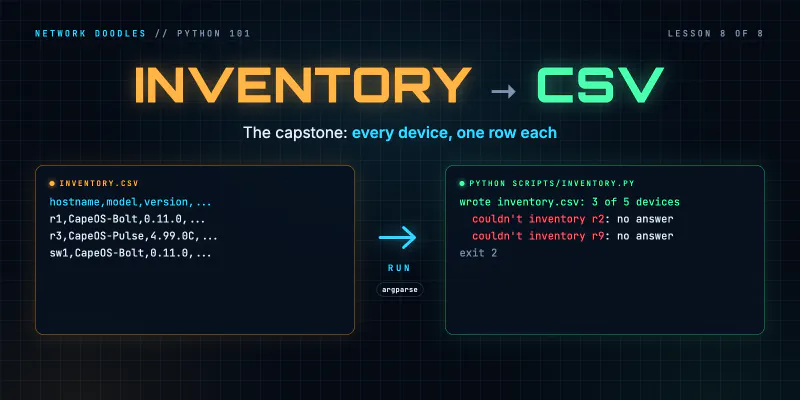
Capstone: an Inventory to CSV (Python 101, Lesson 8)
Shape a small network tool: an inventory in, one function per step, a CSV out. Two device types into one row, csv.DictWriter, carrying on when a …
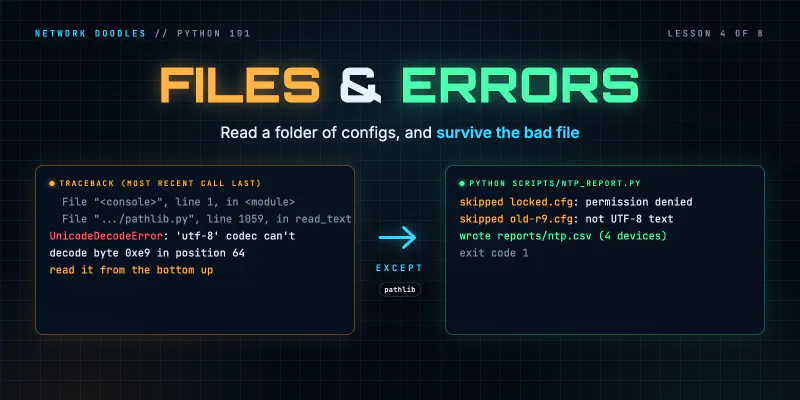
Files, Modules and Errors: Saved Configs In, a Report Out (Python 101, Lesson 4)
Read a folder of saved configs with pathlib and with, write a CSV report, split the code into a module and a script, read a traceback from the bottom …
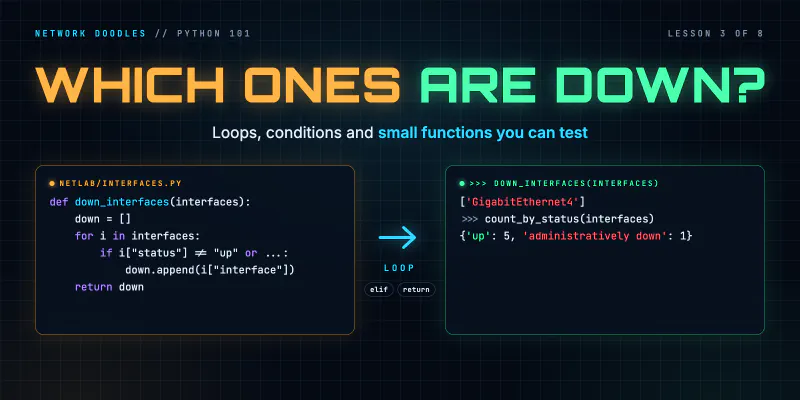
Loops, Conditionals and Functions: Which Interfaces Are Down? (Python 101, Lesson 3)
A for loop runs the same lines for every interface, if decides which ones matter, and a function wraps it up so it can be reused and tested. for over …