Loops, Conditionals and Functions: Which Interfaces Are Down? (Python 101, Lesson 3)
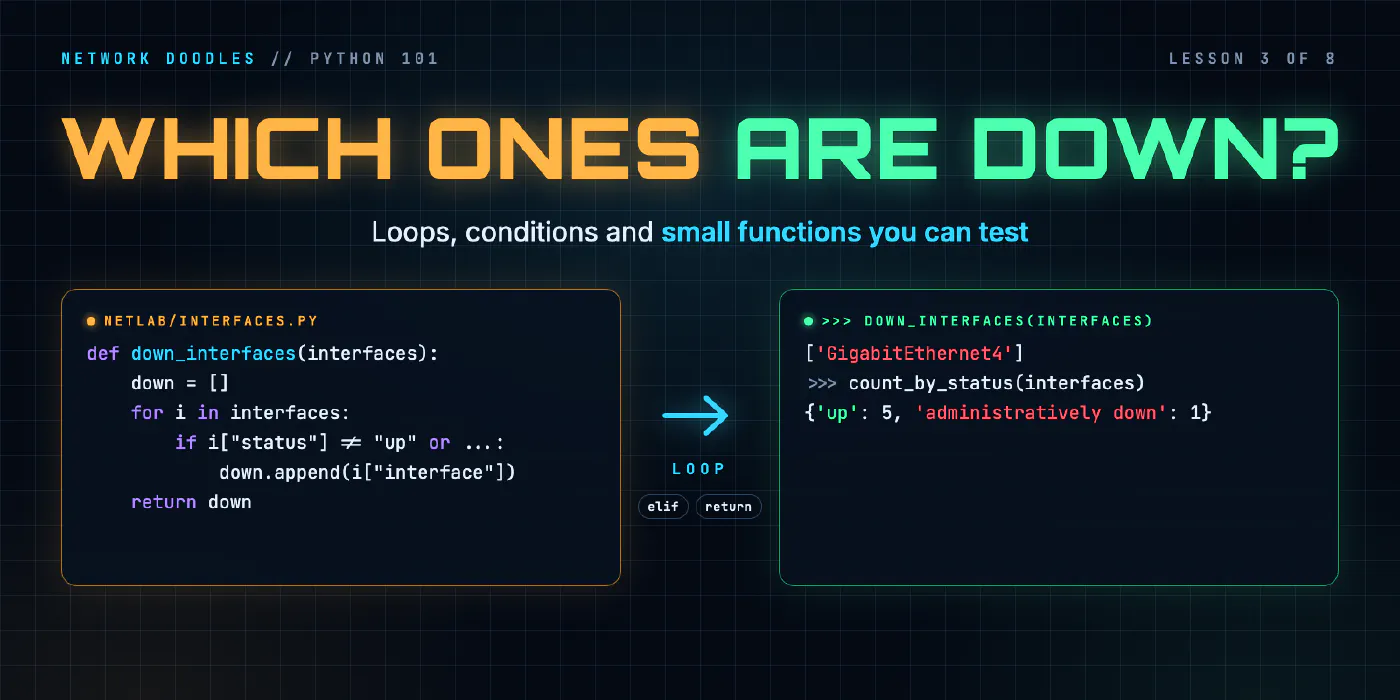
A for loop runs the same lines for every interface, if decides which ones matter, and a function wraps it up so it can be reused and tested. for over lists and dicts, comparisons, truthiness, range, enumerate, and why return beats print.
lesson 3 of 8 · course Python 101 for network engineers
- 1Running Python
- 2Strings, lists and dicts
- 3Loops, conditionals and functions
- 4Files, modules and errors
- 5Regex and TextFSM
- 6Talking to devices with Netmiko
- 7YAML, JSON and a first REST call
- 8Capstone: an inventory to CSV
A for loop runs the same lines once for every item in a list. An if decides which items matter. A
function puts that under a name, takes the data as a parameter, and returns the answer. Together
they answer which interfaces are down? in six lines, for any device. Because the function returns its answer
instead of printing it, other code can use the result, and a test can check it: that’s exactly what the lab’s
checker does.
Lesson 2 turned show ip interface brief into a list of dicts, one
per interface. This lesson asks that list questions: which interfaces are down, how many have each status, and
which have no address. Every session below ran in the lab’s codespace, Python 3.11, on
r1’s and sw1’s real output.
How does a for loop work?
A for loop takes each item of a list in turn, gives it a name, and runs the indented lines under it with
that name. Here interfaces is r1’s show ip interface brief as a list of dicts, made by the function you
write in chapter 2:
>>> from netlab.parse import SAMPLE, interfaces_to_dicts
>>> interfaces = interfaces_to_dicts(SAMPLE)
>>> for i in interfaces:
...     print(i["interface"], i["status"])
...
GigabitEthernet0 up
GigabitEthernet1 up
GigabitEthernet2 up
GigabitEthernet3 up
GigabitEthernet4 administratively down
Loopback0 up
Read it as for each interface, call it i, and print two of its fields. The name i is yours to choose;
for intf in interfaces works the same. The colon ends the for line, and the indentation (four spaces)
marks which lines belong to the loop. Python uses indentation where other languages use brackets, so it isn’t
optional. Forget it and you get an error before anything runs:
>>> for i in interfaces:
... print(i["interface"])
  File "<stdin>", line 2
    print(i["interface"])
    ^^^^^
IndentationError: expected an indented block after 'for' statement on line 1
(The ... prompt is the REPL saying it’s waiting for the rest of the block. A blank line ends it.)
How do you loop over a dict?
A loop over a dict gives you its keys, in the order they were added:
>>> r1 = {"name": "r1", "host": "172.80.111.11", "device_type": "cisco_ios"}
>>> for key in r1:
...     print(key)
...
name
host
device_type
Usually you want the values as well. items() gives you both, as pairs, and the for line names the two
halves:
>>> for key, value in r1.items():
...     print(f"{key:<12} {value}")
...
name         r1
host         172.80.111.11
device_type  cisco_ios
{key:<12} pads the key to 12 characters, so the values line up like a show command’s.
How does if decide?
if runs its indented lines only when its condition is true. elif (else if) tries another condition
when the first failed, and else catches everything left. Python tries them top to bottom and runs the first
that matches, and only that one:
>>> status = "administratively down"
>>> if status == "up":
...     print("working")
... elif status == "administratively down":
...     print("someone shut it")
... else:
...     print("broken")
...
someone shut it
A condition is anything that comes out True or False. These are the comparisons you’ll use:
| Operator | Means | Example | Result |
|---|---|---|---|
== | equal (two =; one = is assignment) | "up" == "UP" | False: case matters |
!= | not equal | "administratively down" != "up" | True |
<, >, <=, >= | less than, greater than | 3 < 10 | True |
in | is contained in | "down" in "administratively down" | True |
is | is this very object; use it for None | ip is None | True when there’s no address |
Comparing strings compares them letter by letter, like a dictionary does, not as numbers. That catches people out with VLAN numbers kept as text:
>>> "10" < "9"
True
>>> 10 < 9
False
and, or and not combine conditions. An interface works only when its status and its protocol are
both up, so it’s broken when either one isn’t:
>>> i = interfaces[4]
>>> i["status"] != "up" or i["protocol"] != "up"
True
>>> i["status"] == "down"
False
The second line is the trap: GigabitEthernet4 is down, but its status isn’t the word "down". Ask is it up?
and treat everything else as not working, and you catch down, administratively down and a status that’s up
with the protocol down, all with one test.
What counts as true?
if doesn’t need a True or False. It accepts any value, and Python decides whether that value counts as
true. This is called truthiness. Empty things and zero count as false; everything else counts as true:
>>> bool(""), bool("down"), bool([]), bool([0]), bool(0), bool(None)
(False, True, False, True, False, False)
So if interfaces: means if the list has anything in it, and an empty list goes to the else:
>>> if []:
...     print("there are some")
... else:
...     print("none at all")
...
none at all
That’s handy, and it has one sharp edge: None, "", 0 and [] all look the same to if. When you mean
there’s no address, say so with if ip is None:. When you mean nothing at all, if not ip: is fine. The
rules are in the docs under truth value testing.
What do range and enumerate give you?
range() counts. It gives the numbers from a start up to, but not including, a stop, which is the same rule
as slices:
>>> for vlan in range(10, 13):
...     print(vlan)
...
10
11
12
>>> list(range(5))
[0, 1, 2, 3, 4]
With one number it starts at 0. list() turns the range into a list so the REPL shows all of it.
enumerate() gives you each item together with its position, so you don’t keep a counter yourself. It starts
at 0 unless you tell it otherwise:
>>> devices = [{"name": "r1", "role": "router"}, {"name": "r2", "role": "router"}, {"name": "sw1", "role": "switch"}, {"name": "r3", "role": "router"}]
>>> for n, d in enumerate(devices, start=1):
...     print(f"{n}. {d['name']}")
...
1. r1
2. r2
3. sw1
4. r3
Knowing the position matters when an item’s meaning depends on its neighbors. In a sorted VLAN list, a number starts a new range when it isn’t one more than the number before it. The position lets you look at the next one:
>>> vlans = [10, 11, 12, 20]
>>> for n in range(len(vlans) - 1):
...     print(vlans[n], vlans[n + 1], vlans[n + 1] == vlans[n] + 1)
...
10 11 True
11 12 True
12 20 False
How do you count with a dict?
Keep a dict whose keys are the things you’re counting, and add one each time you meet one. get(key, 0) gives
the count so far, or 0 the first time:
>>> by_role = {}
>>> for d in devices:
...     by_role[d["role"]] = by_role.get(d["role"], 0) + 1
...
>>> by_role
{'router': 3, 'switch': 1}
Without get(), the first += 1 on a key that isn’t there yet fails with the KeyError from lesson 2.
What is a function?
A function is a named block of code that takes some inputs and gives back a result. def defines it.
The names in its brackets are its parameters: when you call it, each one is set to the value you passed,
the argument. return hands the result back to whoever called it:
>>> def describe(name, status="up"):
...     return f"{name} is {status}"
...
>>> describe("Gi1")
'Gi1 is up'
>>> describe("Gi4", "administratively down")
'Gi4 is administratively down'
status="up" is a default argument: leave it out and it’s "up". name has no default, so you must pass
it, and Python says exactly what’s missing if you don’t:
>>> describe()
Traceback (most recent call last):
  File "<stdin>", line 1, in <module>
TypeError: describe() missing 1 required positional argument: 'name'
A function only runs when it’s called. Defining it, the def block, makes the name and nothing else.
Why return the answer instead of printing it?
Because a printed answer is for a person, and a returned answer is for the next line of code. Here are two functions that count working interfaces. They differ in their last line:
>>> def count_up(interfaces):
...     total = 0
...     for i in interfaces:
...         if i["status"] == "up":
...             total = total + 1
...     return total
...
>>> count_up(interfaces)
5
>>> def count_up_printed(interfaces):
...     total = 0
...     for i in interfaces:
...         if i["status"] == "up":
...             total = total + 1
...     print(total)
...
>>> n = count_up_printed(interfaces)
5
>>> n + 1
Traceback (most recent call last):
  File "<stdin>", line 1, in <module>
TypeError: unsupported operand type(s) for +: 'NoneType' and 'int'
Both show 5 on the screen. Only the first gives the 5 back. A function with no return returns None, so n
is None, and the next line has nothing to add 1 to. print() itself is a function that returns None, which
you can see for yourself:
>>> result = print("hi")
hi
>>> print(result)
None
The rule for this course: functions in netlab/ return; only scripts print.
Which interfaces are down?
Now all of it together. This is down_interfaces() from the lab’s netlab/interfaces.py, the function you
write in task 3.1:
def down_interfaces(interfaces):
    down = []
    for i in interfaces:
        if i["status"] != "up" or i["protocol"] != "up":
            down.append(i["interface"])
    return down
Start with an empty list, walk the interfaces, append the name of each one that isn’t fully up, and return the list. On r1, and on the lab’s switch sw1, whose ports 3 to 8 have nothing plugged in:
>>> from netlab.interfaces import down_interfaces, count_by_status
>>> down_interfaces(interfaces)
['GigabitEthernet4']
>>> text = open("checks/data/brief-sw1.txt").read()
>>> sw1 = interfaces_to_dicts(text)
>>> len(sw1)
10
>>> down_interfaces(sw1)
['GigabitEthernet3', 'GigabitEthernet4', 'GigabitEthernet5', 'GigabitEthernet6', 'GigabitEthernet7', 'GigabitEthernet8']
>>> count_by_status(sw1)
{'up': 4, 'down': 6}
(open(...).read() reads a file into one string: lesson 4 covers
files.) The function doesn’t know or care which device the list came from, or whether it came from a device at
all. It takes data and returns data, which is what makes the next section possible.
You’ll also meet a shorter spelling of the same loop, a list comprehension: the loop and the if inside
square brackets, giving a list. It’s worth recognizing, though the long form is easier to read while you’re
learning:
>>> [i["interface"] for i in interfaces if i["ip_address"] is None]
['GigabitEthernet4']
Why write small functions?
Because you can test a small function, and a script that does everything at once you mostly can’t. A
test is code that calls your function with an input whose answer is known and checks that the answer comes
back. This is one of the lab’s checks for down_interfaces(), from checks/test_3_1.py:
def test_up_but_protocol_down():
    rows = [{"interface": "Gi1", "status": "up", "protocol": "down"}]
    assert call(down_interfaces, rows) == ["Gi1"], "status up but protocol down still isn't working"
assert means this must be true; if it isn’t, the test fails with the message after the comma. No device
had to be in that state for the test to run: the test made the data up. Other checks make up a fresh
show ip interface brief on every run, so code that only works on r1’s output doesn’t pass. You can do the same
in the REPL:
>>> down_interfaces([{"interface": "Gi1", "status": "up", "protocol": "down"}])
['Gi1']
>>> down_interfaces([])
[]
A function that logs in, runs the command, parses, decides and prints in one go can only be tested against a real device in exactly the right state. Split it into small functions, each taking data and returning data, and every piece can be checked on its own, in milliseconds. The same idea scales up: ANTA lesson 6 unit-tests a custom network test on recorded switch output, and the network testing series tests whole networks before they’re built.
What goes wrong
IndentationError. A line after a : isn’t indented, or the indentation is mixed. Use four spaces, and
let the editor do it.
Only "down" counted as down. status == "down" misses administratively down and an interface whose
status is up with the protocol down. Test for what working looks like, and treat everything else as broken.
status == "down" or "administratively down". This reads like English and is always true. Python sees
two conditions: status == "down", and the string "administratively down", which isn’t empty, so it counts
as true. In the REPL it returns 'administratively down'. Write the comparison out twice, or use
status in ("down", "administratively down").
TypeError: ... 'NoneType' and 'int'. A function printed its answer instead of returning it, so the
caller got None.
KeyError inside a counting loop. counts[key] += 1 on a key that doesn’t exist yet. Use
counts.get(key, 0) + 1.
Sorting changes the caller’s list. vlans.sort() sorts the list in place, so the list someone passed in is
now in a different order. sorted(vlans) returns a sorted copy and leaves the original alone.
return inside the loop. A return indented one level too far returns on the first item, and the
function looks as if it only ever sees one interface. return goes after the loop, level with for.
Try it
Chapter 3 of the lab has you write down_interfaces() and count_by_status()
in netlab/interfaces.py, checked on interface lists the checker makes up. Then the challenge: vlan_ranges(),
which turns [10, 11, 12, 20] into "10-12,20", the way a trunk’s allowed VLAN list is written.
What’s next
So far the data has been typed in or kept in a variable. Lesson 4 reads it from files: a folder of saved configs, a module of your own, a traceback read from the bottom up, and a file that can’t be read, handled without stopping everything else.
Related doodles
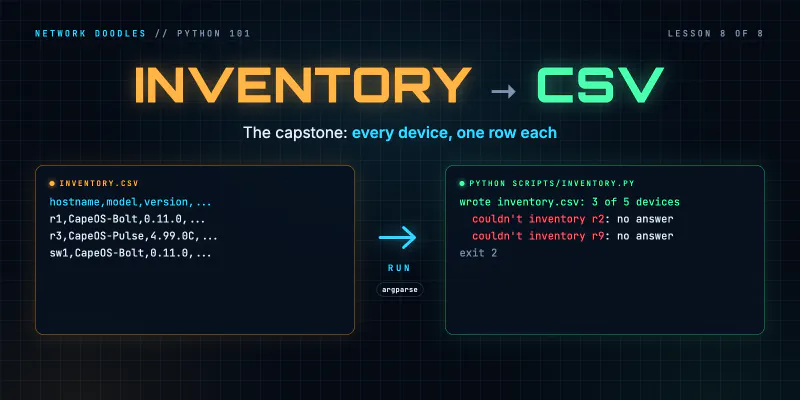
Capstone: an Inventory to CSV (Python 101, Lesson 8)
Shape a small network tool: an inventory in, one function per step, a CSV out. Two device types into one row, csv.DictWriter, carrying on when a …
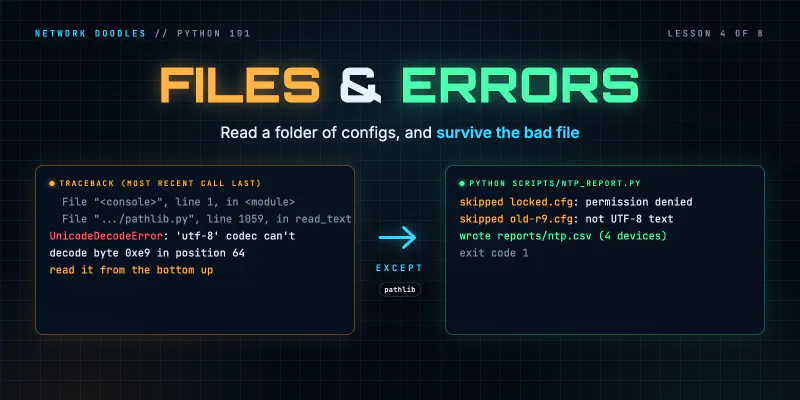
Files, Modules and Errors: Saved Configs In, a Report Out (Python 101, Lesson 4)
Read a folder of saved configs with pathlib and with, write a CSV report, split the code into a module and a script, read a traceback from the bottom …
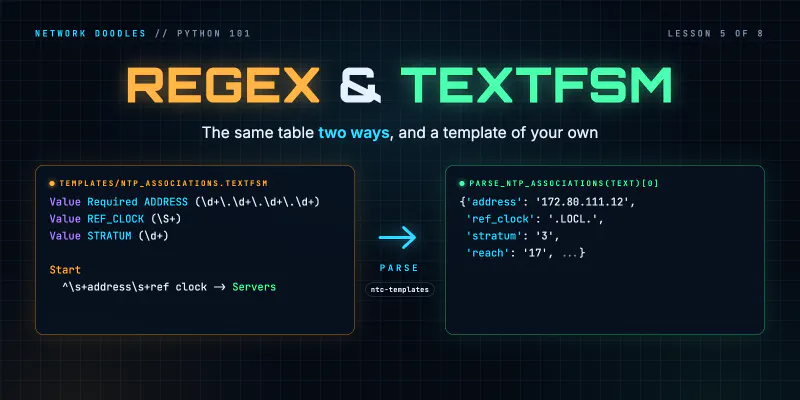
Parsing Show Output: Regular Expressions and TextFSM (Python 101, Lesson 5)
Turn show ip interface brief into a list of dicts twice, with a regular expression and with an ntc-templates TextFSM template, see how a template gets …