Python 101 for network engineers
Enough Python to automate a network: run code and keep packages in a venv, turn show output into lists and dicts, read files and survive bad ones, parse with regex and TextFSM, log in with Netmiko, read YAML, JSON and a REST API, and ship a small inventory tool. Eight lessons, each with a hands-on lab chapter.
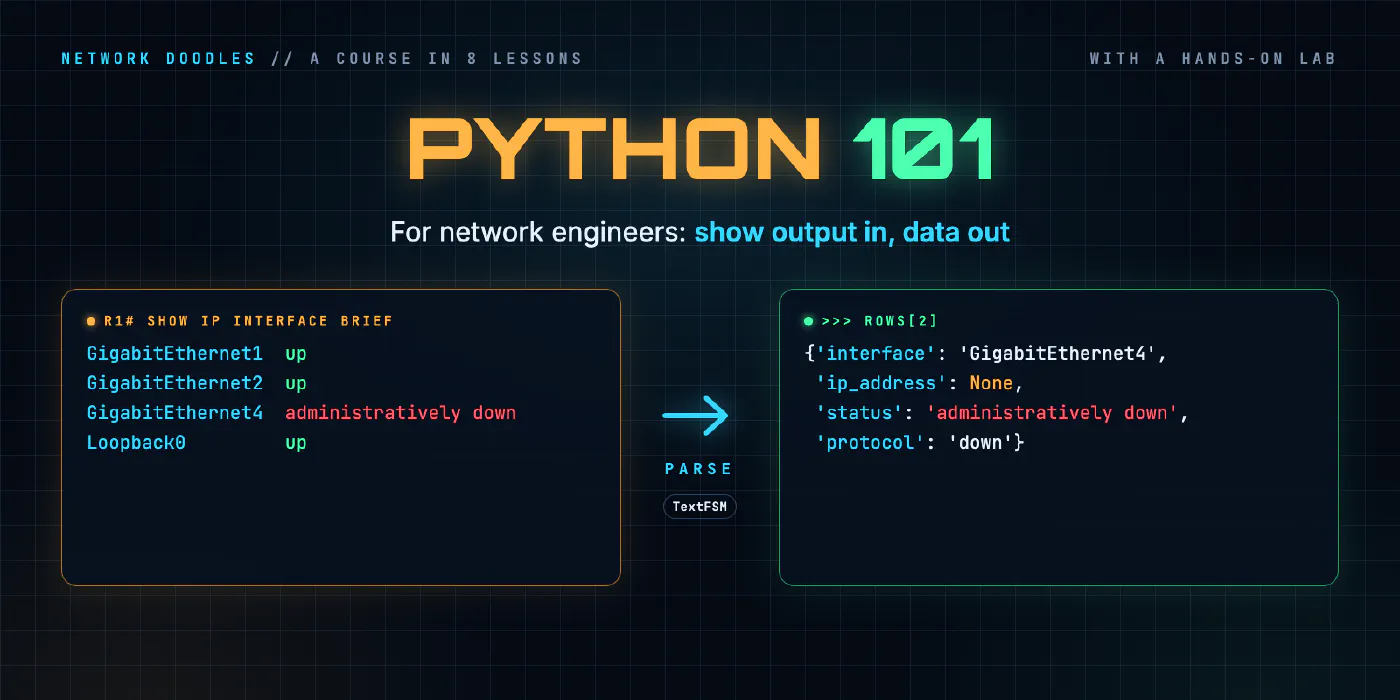
Every network automation tool you’ll meet after this, Ansible, NetBox scripts, pyATS, ANTA, an MCP server, is
either written in Python or reads data shaped the way Python shapes it: lists, dicts, YAML, JSON. This course
teaches that much Python, and no more, using the things you already look at every day: show output, saved
configs and device inventories.
It starts from nothing. Lesson 1 runs your first line of code. By lesson 8 you’ve written a script that logs in
to every device in an inventory, parses show version, writes a CSV, and says which devices it couldn’t reach.
In between: strings, lists and dicts; loops, conditions and functions; files and errors; regular expressions
and TextFSM; Netmiko; YAML, JSON and a REST API.
Before you start: Linux and the command line 101 (a shell, files, environment variables and SSH, which every lab here uses) and Networking 101 (interfaces, addresses and what a router does). No programming experience.
Every lesson comes with a chapter of the hands-on lab: three routers and a switch running CapeOS, a small inventory API, and a checker that runs your functions on inputs they’ve never seen. The tools are the ones the industry uses, unchanged: Netmiko, TextFSM with ntc-templates, PyYAML and requests.
The course stops before Nornir and pyATS, the frameworks that run this kind of code across hundreds of devices at once. Lesson 8 shows what Nornir would add to the script you’ve written, and pyATS is part of network testing.
- 1
 Running Python
Three ways to run Python, where pip puts packages, why every project gets its own venv, what externally-managed-environment means, and how requirements.txt pins versions.
- 2
 Strings, lists and dicts
Everything a device prints reaches Python as a string. How split, strip, slicing and f-strings take a line of show output apart and put it back, what lists and dicts are, …
- 3
 Loops, conditionals and functions
A for loop runs the same lines for every interface, if decides which ones matter, and a function wraps it up so it can be reused and tested. for over lists and dicts, …
- 4
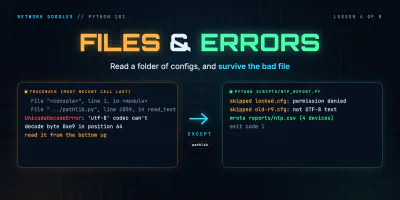 Files, modules and errors
Read a folder of saved configs with pathlib and with, write a CSV report, split the code into a module and a script, read a traceback from the bottom up, and catch only …
- 5
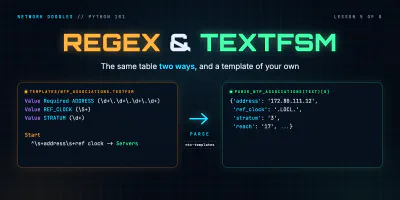 Regex and TextFSM
Turn show ip interface brief into a list of dicts twice, with a regular expression and with an ntc-templates TextFSM template, see how a template gets picked, and when …
- 6
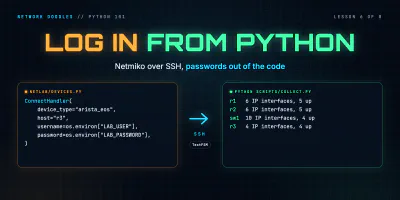 Talking to devices with Netmiko
Log in to a router from Python with Netmiko, run show commands and get them back parsed, push a config change, keep the password in .env instead of the code, and turn a …
- 7
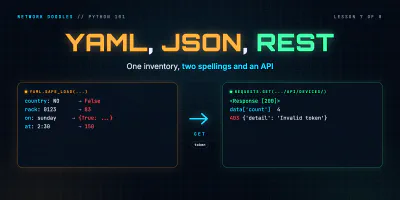 YAML, JSON and a first REST call
YAML and JSON are two ways of writing the same lists and dicts. Load an inventory with yaml.safe_load, meet the values YAML reads differently from you, round-trip it …
- 8
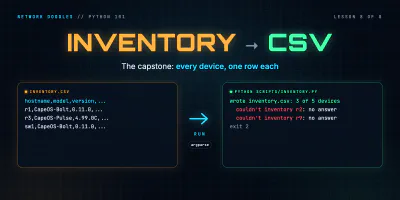 Capstone: an inventory to CSV
Shape a small network tool: an inventory in, one function per step, a CSV out. Two device types into one row, csv.DictWriter, carrying on when a device is down, exit …