Linux and the command line 101
The Linux command line from zero, for network engineers: the shell and paths, files, pipes and grep, permissions and sudo, processes and PATH, SSH keys, a little Bash, and the network commands. Eight lessons, each with a hands-on lab chapter.
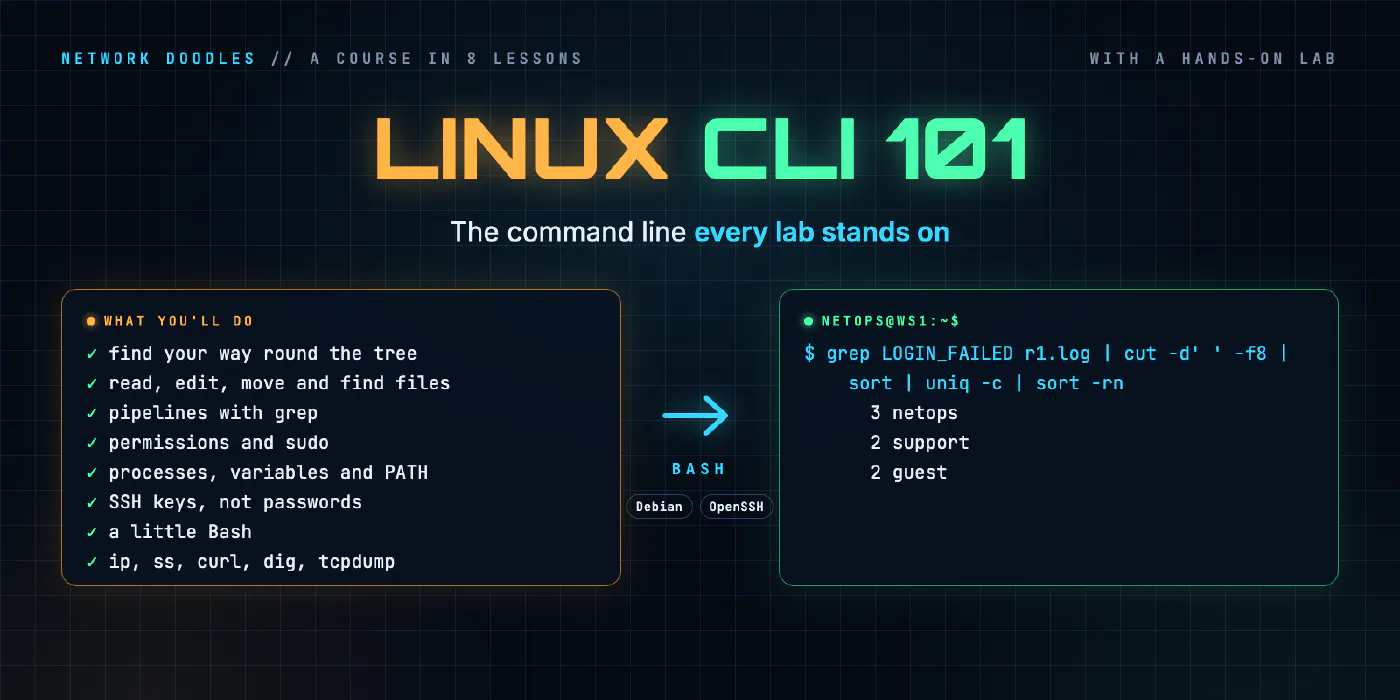
Every lab on this site happens at a Linux command line, and almost every network device you’ll automate runs Linux underneath. This course teaches that command line from the beginning, for people who know networks but have never lived in a terminal.
The lessons explain what the shell is doing and why: how Linux finds a file from a path, what the three
streams of every program are and how pipes join them, what the nine permission letters mean, why kill doesn’t
always kill, what SSH checks before it lets you in, when a Bash script is the right tool and when it isn’t, and
how to tell a network problem from a service that’s listening in the wrong place.
Every lesson comes with a chapter of the hands-on lab: a Linux codespace, a workstation and a server with a router between them, and a real router log to take apart. It picks up where Networking 101 and Meet the lab leave off, and it’s the ground Wireshark 101, Python 101 and every course after them stand on.
- 1
 The shell and the filesystem
A shell reads the commands you type and runs them. Linux keeps every file in one tree that starts at /. The prompt, commands and their options, absolute and relative …
- 2
 Working with files
Most of what you do on Linux is reading and changing text files: logs, configs, inventories. How to read them with cat, less, head and tail -f, edit them in nano (and get …
- 3
 Pipes, redirection and grep
Every Linux command reads from stdin and writes to stdout and stderr. Redirect those streams to files, pipe one command into the next, and grep, sort and uniq answer real …
- 4
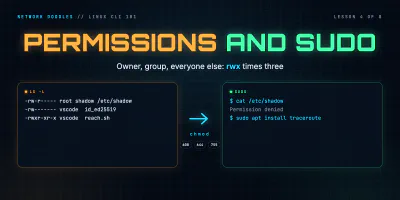 Users, permissions and sudo
Every Linux file has an owner, a group and nine permission bits. Read them in ls -l, set them with chmod as 644, 755 or 600, see why SSH ignores a key others can read, …
- 5
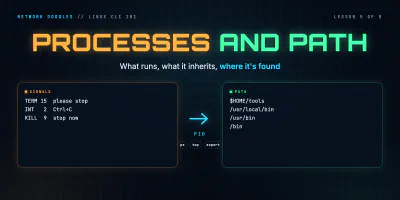 Processes, environment and PATH
Every running program is a process with a number. How to run jobs in the background, find a process that's eating a CPU and stop it, what TERM and KILL really do, how …
- 6
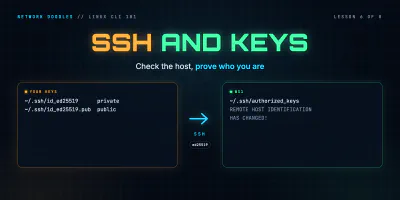 SSH and keys
SSH gives you a shell on another machine over an encrypted connection. Host keys, known_hosts, what 'host key changed' means, key pairs and authorized_keys, why the lab …
- 7
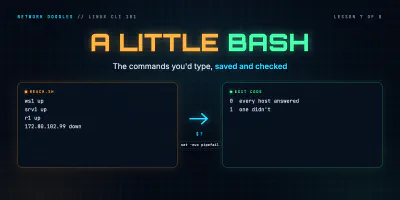 A little Bash scripting
A Bash script is the commands you'd type, saved in a file. The shebang, quoting, arguments, looping over a file of hosts, exit codes, if, && and ||, set -euo pipefail, …
- 8
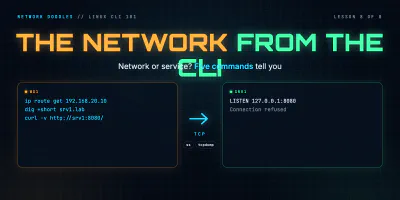 The network from the command line
When a service answers on the server but not from anywhere else, five commands find out why: which way the packet goes, what's listening on which address, what curl saw …