Execution Environments, ansible-lint and CI for Network Playbooks (Ansible 101 for Networking, Lesson 8)
The finale: package Ansible, its collections and their dependencies into an execution environment, run playbooks with ansible-navigator, pass ansible-lint’s production profile, and gate every push with a CI pipeline. Lesson 8 of Ansible 101 for networking, with a hands-on lab.
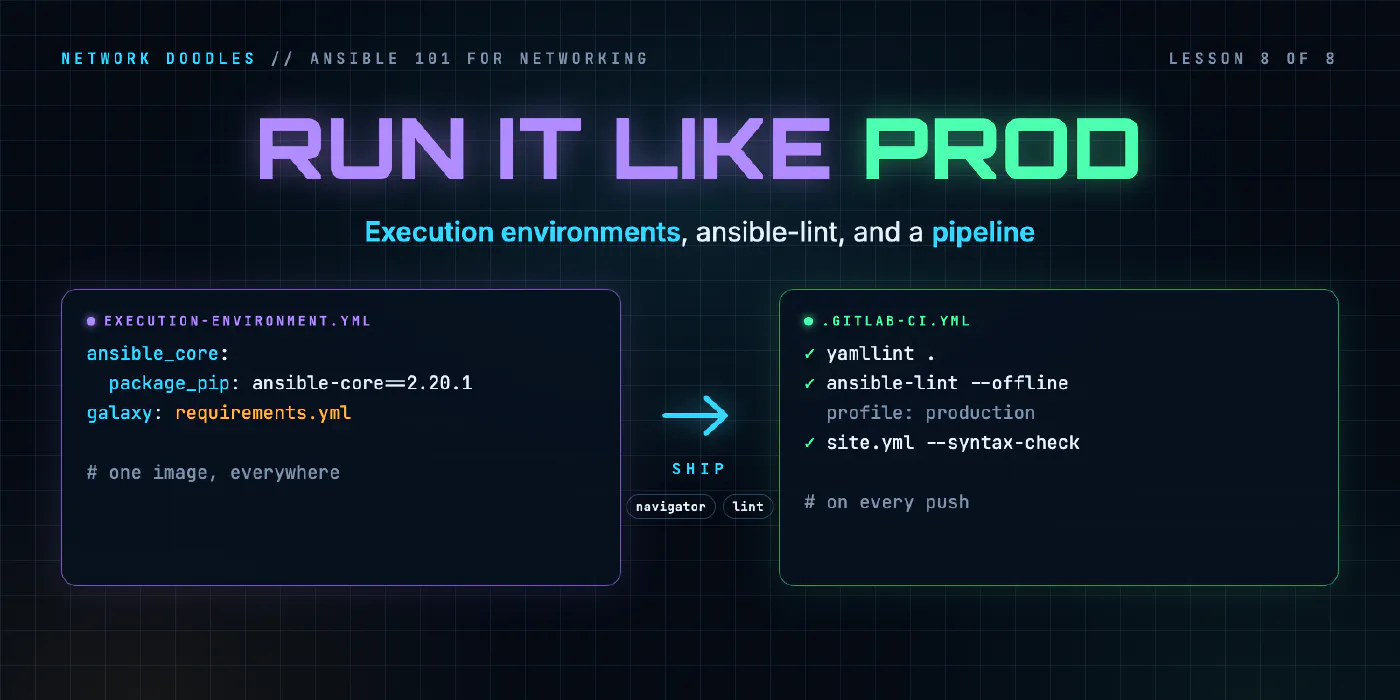
lesson 8 of 8 · course Ansible 101 for networking
- 1Hello, Ansible
- 2Your first playbook
- 3Variables and facts
- 4Loops, conditionals, templates
- 5Handlers, tags, errors
- 6Roles and collections
- 7Secrets
- 8Run it like production
Over seven lessons the lab went from one ad-hoc command to roles, variables, handlers and a vaulted password. It all runs from a Python virtual environment in your codespace. That’s fine for learning. It isn’t how production should run it, for one boring and important reason: “works on my machine” isn’t a deployment strategy.
This last lesson closes that gap with three tools: an execution environment so every run uses exactly the same Ansible, ansible-lint so the code meets a standard before anyone reviews it, and a CI pipeline so both happen on every push without anyone remembering to.
The problem with “pip install ansible”
Your laptop has ansible-core 2.20.1 and cisco.ios 11.6.0. Your colleague installed a few months earlier and has older versions of both. The CI runner has whatever was newest when its image was built. The automation server has something else again. Every one of them runs the same playbook slightly differently, and the differences show up as bugs nobody can reproduce.
An execution environment (EE) fixes that by putting Ansible itself in a container:
- ansible-core, pinned
- the collections from
requirements.yml, pinned - their Python dependencies
- any system packages they need
Build it once, tag it, and everything that runs your playbooks (your laptop, CI, Ansible Automation Platform) uses that same image. If it works in the EE on your machine, it works in the EE everywhere.
Building an EE
The definition is a short YAML file:
# execution-environment.yml
version: 3
images:
  base_image:
    name: quay.io/fedora/fedora-minimal:43
dependencies:
  python_interpreter:
    package_system: python3
    python_path: /usr/bin/python3
  ansible_core:
    package_pip: ansible-core==2.20.1
  ansible_runner:
    package_pip: ansible-runner==2.4.3
  python:
    - ansible-pylibssh==1.4.0
  galaxy: requirements.yml
options:
  package_manager_path: /usr/bin/dnf5
The line that matters most is galaxy: requirements.yml. The EE installs the same pinned collections the
venv uses, from the same file. One source of truth, two ways to run.
The python: list is the one people forget. Collections bring modules, but some of what they need is plain
Python underneath: network_cli holds its SSH sessions through a library, ansible-pylibssh, that isn’t
part of ansible-core. Leave it out and the image builds fine, then fails the first time it talks to a switch.
Build it with ansible-builder:
ansible-builder build --tag ans101-ee:1 --file execution-environment.yml
ansible-builder generates a Containerfile and builds it. A note from building the lab: Red Hat’s and the
community’s EE base images were x86-only when I tried them, which fails on Apple Silicon. A multi-arch base
like fedora-minimal builds natively everywhere. Check your base image’s architectures before you standardise
on it.
Running playbooks with ansible-navigator
ansible-navigator is the front end that runs playbooks inside the EE. Its settings live next to
ansible.cfg:
# ansible-navigator.yml
ansible-navigator:
  mode: stdout
  execution-environment:
    image: ans101-ee:1
    pull:
      policy: never            # built locally, never pulled
    container-options: ["--network=ans101-mgmt"]
Then it’s almost the command you know:
ansible-navigator run playbooks/site.yml
The output is the same PLAY RECAP you’ve been reading since lesson 2. What’s different is everything underneath: the playbook ran in a fresh container from a known image, with nothing from your machine except the project folder.
That container-options line is the one that’ll bite you. The EE is a container, so it’s on its own network,
and it can’t see the switches. Joining it to the switches’ management network fixes that. In production the
equivalent question is “can the EE reach the devices from where it runs?”, and it’s always worth asking before
the first run, not after.
Drop mode: stdout and navigator opens an interactive TUI instead, where you can step through every play,
task and host result. It’s the best way I know to dig into a failed run.
ansible-lint: a standard before a reviewer
ansible-lint reads your playbooks and roles and tells you what’s wrong, from outright bugs to style. The lab runs it with the strictest built-in profile:
# .ansible-lint
profile: production
Here’s the lab’s “legacy” playbook, written the way a lot of real ones are:
- hosts: fabric
  gather_facts: no

  tasks:
  - cisco.ios.ios_command:
      commands:
        - show version
    register: Version

  - debug:
      msg: "{{inventory_hostname}}: {{ Version.stdout_lines[0][0] }}"
It runs fine. ansible-lint still has a list of complaints, each with a rule name and a line number:
name[play]: All plays should be named.
playbooks/legacy.yml:6:3

fqcn[action-core]: Use FQCN for builtin module actions (debug).
playbooks/legacy.yml:15:5
Between them, the findings cover:
- No play or task names. Your output and logs say which module ran, not what happened.
debuginstead ofansible.builtin.debug. Fully qualified names say exactly which collection you mean.noinstead offalse. YAML 1.1 truthiness is a trap; be explicit.Versionwith a capital. Variable names are lowercase by convention, and some tools care.{{inventory_hostname}}with no spaces. Style, but consistent style is what makes review fast.- Indentation that YAML accepts and humans misread.
Building the lab, ansible-lint also caught my own roles: unprefixed role variables (the reason for base_
in lesson 6) and a template path that climbed out of the playbook folder with ../. Both worked; both were the
kind of thing that becomes a bug later. That’s what lint is for.
Two rules for living with it:
- Fix, don’t silence. Every rule can be skipped with a comment. Each skip should have a reason you’d defend in review.
- Run it before review, not in review. A reviewer’s time is for “is this the right change”, not “you forgot a task name”.
CI: so nobody has to remember
The last piece runs all of that automatically. The lab’s .gitlab-ci.yml:
default:
  image: python:3.13-slim
  before_script:
    - echo "${VAULT_PASSWORD:-not-needed-for-lint}" > .vault-pass
    - pip install -q -r requirements.txt
    - ansible-galaxy collection install -r requirements.yml > /dev/null

lint:
  script:
    - yamllint .
    - ansible-lint --offline

syntax:
  script:
    - ansible-playbook playbooks/site.yml --syntax-check
Every push now gets YAML style, Ansible lint and a syntax check of the whole site. A merge request can’t quietly introduce an unnamed task or a broken role.
Where CI gets the vault key
Lesson 7 left ansible.cfg pointing at .vault-pass, a file that is never committed. A CI job starts from a
fresh clone, so the file isn’t there. The first line of before_script recreates it at the start of every
job, from a CI/CD variable called VAULT_PASSWORD. In GitLab you set that under Settings → CI/CD →
Variables and mark it masked, so it never appears in a job log. The key lives in the CI system’s secret
store, the job writes it to a file for the length of the run, and the container is thrown away afterwards.
The lab’s jobs only lint and syntax-check, which never decrypt anything, so a placeholder is enough when the variable isn’t set. A job that runs playbooks against devices needs the real one.
Notice what CI doesn’t do: talk to the switches. GitLab’s runners can’t reach a lab in your codespace, and in production you’d think hard before giving a shared runner device credentials. The pattern that scales is CI for everything that can be checked without the network (lint, syntax, schema, templates rendered to files), then a deploy step that runs check mode against real devices from somewhere that’s allowed to reach them, and finally the real run, gated by a human. That’s the GitOps course, next.
Where people get it wrong
1. An EE nobody rebuilds
An EE built once in 2024 and never touched is just a different flavour of “works on my machine”. Rebuild it
when requirements.yml changes, tag it with a version, and keep its definition in the same repo as the
playbooks.
2. latest
image: my-ee:latest means today’s run and tomorrow’s run may use different Ansible. Tag EEs with versions and
pin them in ansible-navigator.yml, exactly like collections.
3. Lint that only runs on laptops
If lint isn’t in CI, it’s a suggestion. Put it in the pipeline from day one, while the codebase is small enough to make clean.
4. A pipeline with device credentials
The fastest way to turn a CI compromise into a network compromise. Keep device access in a dedicated, audited place (AAP, or a locked-down runner), and keep the shared pipeline to the checks that don’t need it.
You did it
That’s Ansible 101 for networking. Eight lessons ago this was an inventory file and an ad-hoc command. Now it’s two roles with defaults and handlers, configuring a leaf-spine fabric from data, with a vaulted password, running in an execution environment, lint-clean, with a pipeline. That’s not a toy. That’s the structure real network automation teams use.
Chapter 8 of the lab builds the EE and runs site.yml in it, cleans up the
legacy playbook until ansible-lint passes, and adds the lint and syntax jobs to the pipeline.
Where next? The GitOps for networks course takes this repo and puts it behind merge requests, reviews and a deploy pipeline. And the NetBox course replaces the inventory files with NetBox as your source of truth.
Related doodles
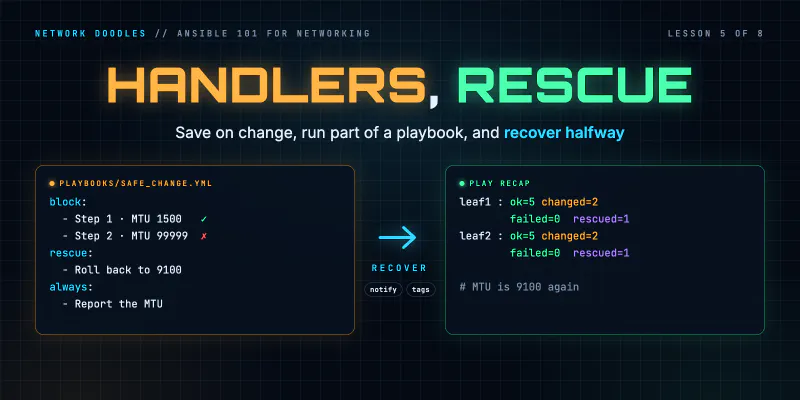
Ansible Handlers, Tags and block/rescue on Network Devices (Ansible 101 for Networking, Lesson 5)
Save the config only when something actually changed with handlers, run just part of a playbook with tags, and recover when a change fails halfway …
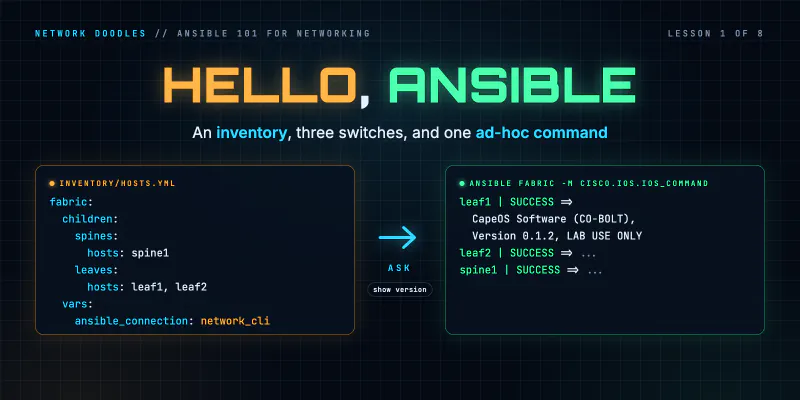
Ansible Inventory and Ad-Hoc Commands for Network Switches (Ansible 101 for Networking, Lesson 1)
Ansible for people who run networks, not servers. What Ansible actually does when the target is a switch, how an inventory works, how to point it at a …
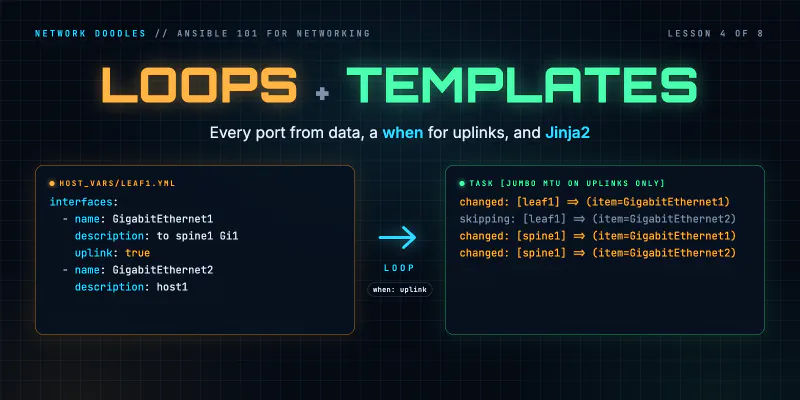
Ansible Loops, when and Jinja2 Templates for Network Config (Ansible 101 for Networking, Lesson 4)
Configure every port on every switch from a list of data with loop, treat uplinks differently with when, and render a report of the whole fabric with …