Ansible Loops, when and Jinja2 Templates for Network Config (Ansible 101 for Networking, Lesson 4)
Configure every port on every switch from a list of data with loop, treat uplinks differently with when, and render a report of the whole fabric with Jinja2 templates. Lesson 4 of Ansible 101 for networking, with a hands-on lab.
lesson 4 of 8 · course Ansible 101 for networking
- 1Hello, Ansible
- 2Your first playbook
- 3Variables and facts
- 4Loops, conditionals, templates
- 5Handlers, tags, errors
- 6Roles and collections
- 7Secrets
- 8Run it like production
So far every task in this course has set one thing: one banner, one list of NTP servers, one location. Real network config isn’t like that. A switch has forty-eight ports, and you want every one of them described, enabled and sized correctly, from data, without forty-eight tasks.
This lesson covers the three tools that make that possible: loops to repeat a task over a list, conditionals to skip the items that don’t apply, and templates to turn data into any text you like.
Ports as data
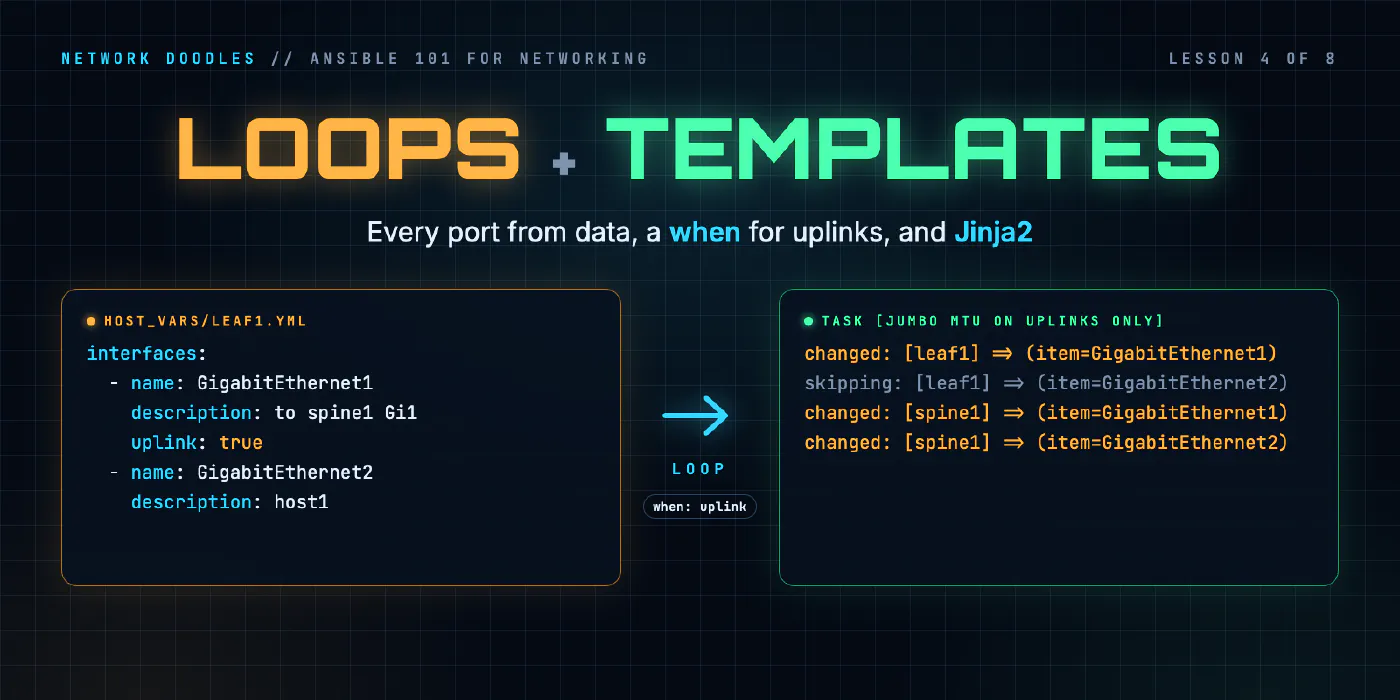
Start with the data. Each switch’s ports go in its host file, next to the location from lesson 3:
# inventory/host_vars/leaf1.yml
location: Row A, rack 2
interfaces:
  - { name: GigabitEthernet1, description: "to spine1 Gi1", uplink: true }
  - { name: GigabitEthernet2, description: "host1" }
Each port is a small dictionary: a name, a description, and, for uplinks, uplink: true. The { } form is
just compact YAML for a dictionary on one line; it reads better than three lines per port when you have
dozens.
This list is now the definition of leaf1’s ports. Want to add a port? Add a line. Want to know what a port is for? Read the file. The playbook doesn’t change.
loop: one task, every port
    - name: Description and no shutdown, one port at a time
      cisco.ios.ios_interfaces:
        config:
          - name: "{{ item.name }}"
            description: "{{ item.description }}"
            enabled: true
      loop: "{{ interfaces }}"
      loop_control:
        label: "{{ item.name }}"
loop runs the task once per entry in the list, and each time item is the current entry. So
{{ item.name }} is GigabitEthernet1 the first time round and GigabitEthernet2 the second.
loop_control: label controls what Ansible prints for each item. Without it, Ansible prints the entire
dictionary for every iteration, which gets unreadable fast. With it, each port gets one short line, like
changed: [leaf1] => (item=GigabitEthernet1).
Each switch loops over its own interfaces, because the variable comes from host_vars. One task, three
switches, six ports, zero hostnames in the playbook.
Why a resource module for ports
The task uses cisco.ios.ios_interfaces, not the ios_config lines from lesson 2, and enabled: true is the
reason. A port that’s up shows no no shutdown line in the running config: “not shut down” is the
default, and defaults don’t print. So ios_config with no shutdown in its lines would never find that line,
and would send it on every run. ios_interfaces is a resource module: it reads each interface’s config into
data (description, enabled, MTU), compares that with what you asked for, and knows that enabled: true means
“there should be no shutdown line”. You describe the port; it works out the commands.
A note on performance: a loop makes one change per item, which means a round trip to the switch per port.
For a lab, or a handful of ports, that’s perfect, because you can see exactly which port changed. For 48 ports
on 200 switches, you’d hand ios_interfaces the whole list in one config: instead. Get it right first; make
it fast when it matters.
when: not every item applies
Uplinks get a jumbo MTU; host ports don’t. That’s a conditional:
    - name: Jumbo MTU on uplinks only
      cisco.ios.ios_interfaces:
        config:
          - name: "{{ item.name }}"
            mtu: 9100
      loop: "{{ interfaces }}"
      loop_control:
        label: "{{ item.name }}"
      when: item.uplink | default(false)
when is evaluated for each item. If it’s true, the task runs for that item; if not, Ansible skips it and says
so. On leaf1, GigabitEthernet1 (the uplink) gets the MTU and GigabitEthernet2 (host1’s port) shows
skipping. On spine1 both ports are uplinks, so nothing is skipped.
Two details worth copying:
- No
{{ }}inwhen. It’s already an expression. Writingwhen: "{{ item.uplink }}"works but earns a warning, and it’s a sign someone copied from an old blog post. | default(false)handles the ports that don’t have anuplinkkey at all. Without it, the first host port fails with “‘dict object’ has no attribute ‘uplink’”. Defaults on optional keys are what keep your data files short.
when works on whole tasks too, not just loop items. when: inventory_hostname in groups['spines'] runs a
task on the spines only; that’s often cleaner than writing a separate play.
Templates: data into any text
Loops and conditionals produce config. Templates produce anything: a config file for a device that
doesn’t have an API, a CSV, an email body, or a report. Ansible uses Jinja2, the same {{ }} syntax you’ve
been using, plus {% %} for logic.
Here’s the lab’s fabric report template:
| Switch | Role | Version | Location |
|---|---|---|---|
{% for sw in groups['fabric'] | sort %}
{% set h = hostvars[sw] %}
| {{ sw }} | {{ 'spine' if sw in groups['spines'] else 'leaf' }} | {{ h.sw_version }} | {{ h.location }} |
{% endfor %}

## Ports

{% for sw in groups['fabric'] | sort %}
### {{ sw }}

{% for i in hostvars[sw].interfaces %}
- `{{ i.name }}` {{ i.description }}{% if i.uplink | default(false) %} **(uplink)**{% endif %}

{% endfor %}

{% endfor %}
The new ideas:
{% for %}/{% endfor %}loops, inside the template instead of on the task.{% if %}is the template’swhen.groups['fabric']is the list of every host in the group, andhostvars[sw]is any other host’s variables. That’s what lets one template describe the whole fabric, not just the current switch.
The playbook that renders it has two plays: the first runs ios_facts on every switch and keeps its version
(so sw_version exists in hostvars), the second runs once on localhost and writes the file:
- name: Write the report
  hosts: localhost
  gather_facts: false
  connection: local

  tasks:
    - name: Render build/fabric-report.md
      ansible.builtin.template:
        src: fabric-report.md.j2      # Ansible looks in playbooks/templates/ for you
        dest: "{{ playbook_dir }}/../build/fabric-report.md"
        mode: "0644"
The result is a Markdown file you could paste straight into a wiki:
| Switch | Role | Version | Location |
|---|---|---|---|
| leaf1 | leaf | 0.1.2 | Row A, rack 2 |
| leaf2 | leaf | 0.1.2 | Row A, rack 3 |
| spine1 | spine | 0.1.2 | Row A, rack 1 |
Where people get it wrong
1. Templates full of logic
A template with nested ifs, string surgery and twenty set statements is a program written in the worst
language available. When a template gets clever, move the cleverness into the data (a better-shaped variable)
or into a filter, and keep the template mostly {{ }}.
2. Whitespace surprises
Jinja2 in Ansible trims the newline after a {% %} tag, which is usually what you want and occasionally
eats a blank line you needed. My first version of that report ran every switch’s heading straight into the
previous bullet list. The fix was one empty line after the inner {% endfor %}. When a template’s output looks
squashed, look at the blank lines around your tags first.
3. Looping where one call would do
Loops are the right first tool. But a loop over 48 ports is 48 round trips and 48 lines of output per switch.
When you know it works, build the list in one go (a map filter, or the data as it already is) and pass it in
one call.
4. Templating whole configs when a module would do
It’s tempting to render a switch’s entire config from a template and push it. That’s a real strategy (full config replace), but it’s a different one: you take on the diffing, the ordering and every default that does or doesn’t print. For the things resource modules cover, like ports and NTP, let the module compare data with the running config. Reach for config templates when you’ve decided to own the whole file.
Try it
Chapter 4 of the lab lists the leaves’ ports as data, brings every port up with one looped task, gives only the uplinks a jumbo MTU, and finishes the template for the fabric report.
Next, in lesson 5, we save the config only when something actually changed, run part of a playbook with tags, and recover cleanly when a change fails halfway through.
Related doodles
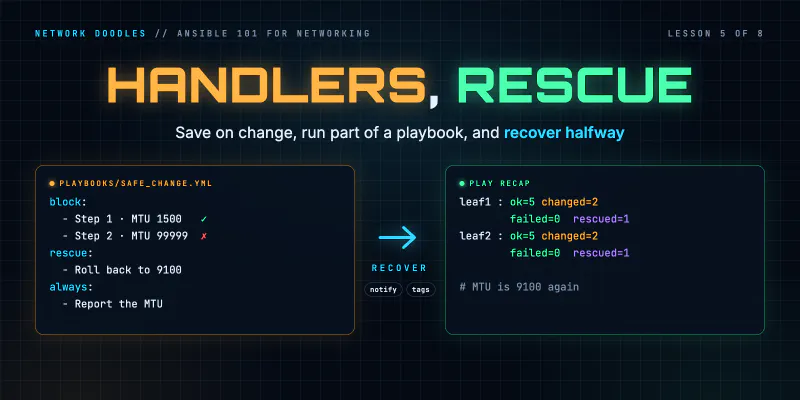
Ansible Handlers, Tags and block/rescue on Network Devices (Ansible 101 for Networking, Lesson 5)
Save the config only when something actually changed with handlers, run just part of a playbook with tags, and recover when a change fails halfway …
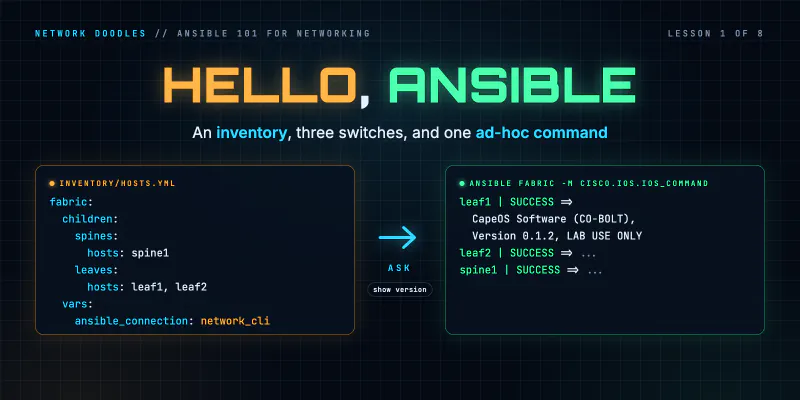
Ansible Inventory and Ad-Hoc Commands for Network Switches (Ansible 101 for Networking, Lesson 1)
Ansible for people who run networks, not servers. What Ansible actually does when the target is a switch, how an inventory works, how to point it at a …
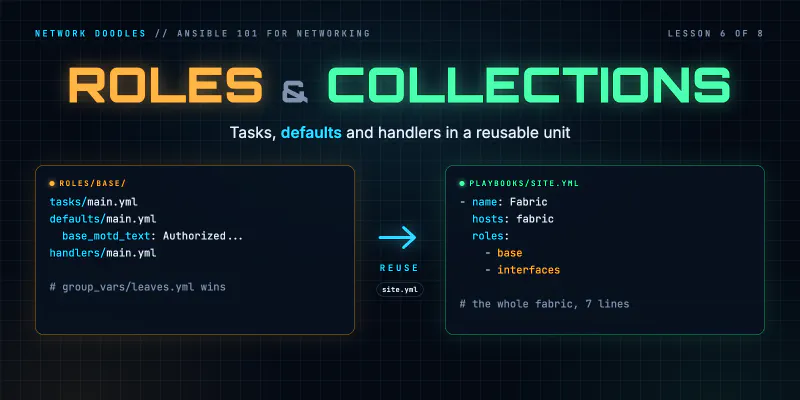
Ansible Roles and Collections for Network Automation (Ansible 101 for Networking, Lesson 6)
Turn a folder of playbooks into roles: tasks, defaults and handlers in a reusable unit, the precedence rule that makes role defaults useful, why role …