3 tracks · 6 courses
Lessons
Courses in learning tracks: networking from zero, then network automation and observability. Each track builds on the ones before it, so start where you are. Every lesson explains one idea, and every course has a hands-on lab that runs in your browser.
The courses come in tracks. Networking starts from zero and assumes nothing. The other tracks build on it, and each says what it takes for granted. New to networking? Start with Networking 101. Already know subnets, routing, DHCP and DNS? Check the list under a track, and if it’s all familiar, start there.
Inside a track, take the courses in order: each one assumes the one before it.
A lesson explains one idea: what it is, why it matters, and what goes wrong in real networks. Its lab chapter is where you do it, against real switches, in your browser with a free GitHub account.
Track · 2 courses
Networking
New to networking? Start here. Nothing assumed, nothing to install.
- 01
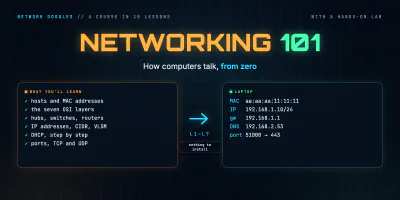 Networking 101: how computers talk
Start from zero. What a host is, the OSI model, hubs, switches and routers, data centers, IP addresses and subnets, a step-by-step trace of a laptop getting its address, and the port numbers …
- 02
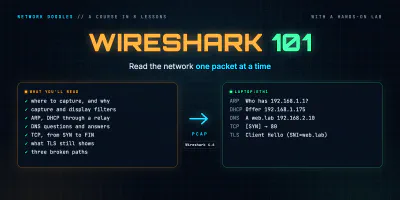 Wireshark 101
Read the network one packet at a time. What a capture is and where to take it, capture and display filters, then ARP, DHCP, DNS, TCP and TLS as they really look on the wire, and a method for …
Track · 3 courses · after Networking
Network automation
Already know how a network works? Start here, and skip any course whose ground you already know.
Skipping ahead? This track assumes you know
- IP addresses, subnet masks and default gateways, and working out which subnet an address is in
- What a switch and a router each do, and how a packet gets from one subnet to another
- How a host gets an address (DHCP) and finds a name (DNS)
- Ports, and the difference between TCP and UDP
Not sure? Networking covers it.
Foundations · 2 courses
Anyone starting automation: the shell, Python, data and Git.
- 01
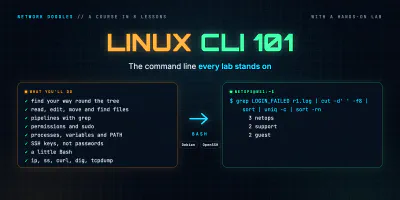 Linux and the command line 101
The Linux command line from zero, for network engineers: the shell and paths, files, pipes and grep, permissions and sudo, processes and PATH, SSH keys, a little Bash, and the network …
- 02
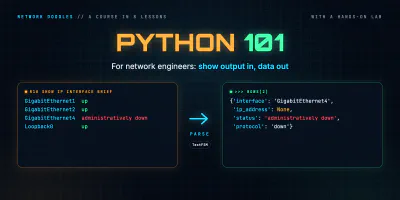 Python 101 for network engineers
Enough Python to automate a network: run code and keep packages in a venv, turn show output into lists and dicts, read files and survive bad ones, parse with regex and TextFSM, log in with …
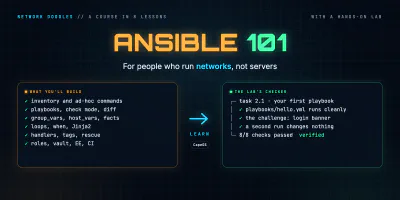
Ansible · 1 course
Change many devices at once, the same way every time.
Track · 1 course · after Networking
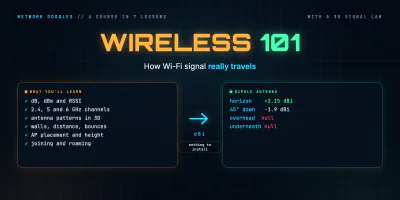
Wireless
Wi-Fi from the radio up, once you know what an IP network is.
Skipping ahead? This track assumes you know
- What a switch, a router and an IP address are
Not sure? Networking covers it.