Managing TLS Certificates Using Ansible and Let’s Encrypt! PART 1:
Part 1: Basics of Using Ansible Core to Request a Let’s Encrypt Certificate Prerequisites Ansible Core installed on your control node. Ansible Vault enabled. Cloudflare account with API token and DNS Zone ID for the zone your using to create the Certificate. you can use this endpoint in postman to retrieve your DNS Zone ID: https://api.cloudflare.com/client/v4/zones/ Basic knowledge of Ansible and YAML syntax. For this tutorial I will be using Ubuntu 22....

Managing TLS Certificates Using Ansible and Let’s Encrypt! PART 2:
Part 2: Managing Certificates with AWX/Ansible Automation Platform and GitOps Introduction Continuing from Part 1, this tutorial will guide you through managing Let’s Encrypt certificates using AWX/Ansible Automation Platform. We can use the exact same playbook from part 1 with a few modifications. You will also have to make sure you have a few Prerequisites setup a head of time. Prerequisites AWX/Ansible Automation Platform installed and configured. In this part will be using the Ansible GUI version AWX/AAP GitLab - AWX/AAP both require that your playbooks are stored in a central git repository I will be using GitLab....

Managing TLS Certificates Using Ansible and Let’s Encrypt! PART 2.1:
Part 2.1: Deploying Let’s Encrypt Certificates to an ASA Using Ansible with AWX/AAP Introduction Continuing from Part 2 of our series, this tutorial will guide you through Let’s Encrypt certificates using AWX/Ansible Automation Platform to an ASA firewall. There will be a new playbook to apply the certificate to the ASA, but running the playbook will be the same as in Part 2 of our series. You will also have to make sure you have a few Prerequisites setup a head of time....
Anthropic Agent Skills for Network Automation: Build Your First SKILL.md
If you’ve been using Claude and wondering how it suddenly knows how to generate a perfectly formatted PowerPoint or fill out a PDF form without you explaining anything, that’s Agent Skills doing the work. It’s one of Anthropic’s newer features and it’s surprisingly underused by the network automation community, which is a shame because it’s genuinely well-suited for what we do. In this post I’m going to explain what Skills are, how they actually work under the hood, and then build a real network automation skill from scratch, one that gives Claude the procedural knowledge to query NetBox, pull device configs, and follow your team’s runbook steps, automatically, every time, without you explaining it in every single prompt....
Build Your Own MCP Server for Network Automation Using FastMCP
If you’ve been following the AI space lately, you’ve probably heard the term MCP thrown around a lot. Model Context Protocol. It sounds complicated and enterprise-y, like something that requires a team of developers and a Jira board to set up. It doesn’t. And if you’re already doing network automation with Python, Ansible, and NetBox, I’ve got news for you: you’re already halfway there. In this post, I’m going to walk you through building your own MCP server using FastMCP that exposes real network tools directly to an AI like Claude....
MCP Transport Types Explained: stdio, SSE, and HTTP Streamable, Which One Do You Actually Need?
So you’ve started looking into MCP servers and you’ve hit a wall almost immediately. The docs mention stdio, SSE, and HTTP Streamable, and unless you’ve spent time in the web development world, it’s not obvious what any of these mean or why you’d pick one over another. Here’s the thing: the transport layer is one of the most important decisions you’ll make when building an MCP server. Get it wrong and you’ll either build something that only works on your laptop, or you’ll over-engineer a production deployment when a two-liner would have done the job....

How to Use NetBox as an Inventory in Ansible Core
Introduction to NetBox and Ansible Core NetBox is an open-source tool designed for network automation and infrastructure management, specializing in managing IP address allocations and data center infrastructure. Ansible Core is a widely used automation tool that allows you to automate software provisioning, configuration management, and application deployment. Integrating NetBox with Ansible Core can centralize your network inventory, making it easier to manage and automate your network devices. This integration leverages NetBox’s API to dynamically pull inventory data into Ansible using a YAML configuration file....

LDAP Group Mapping Issues in Ansible Automation Platform 2.5: The Lowercase DN Gotcha
If you’re running into frustrating issues trying to map LDAP groups in Ansible Automation Platform 2.5, you’re not alone. Many users have found that LDAP authentication works just fine… but mapping users to roles based on group membership fails mysteriously—especially if you’re using Microsoft Active Directory (AD). Let’s break down the issue and how to fix it. The Issue In AAP 2.5: You’re authenticating users against Active Directory via LDAP. You’re attempting to map AD group membership to roles (like superuser, auditor, etc....

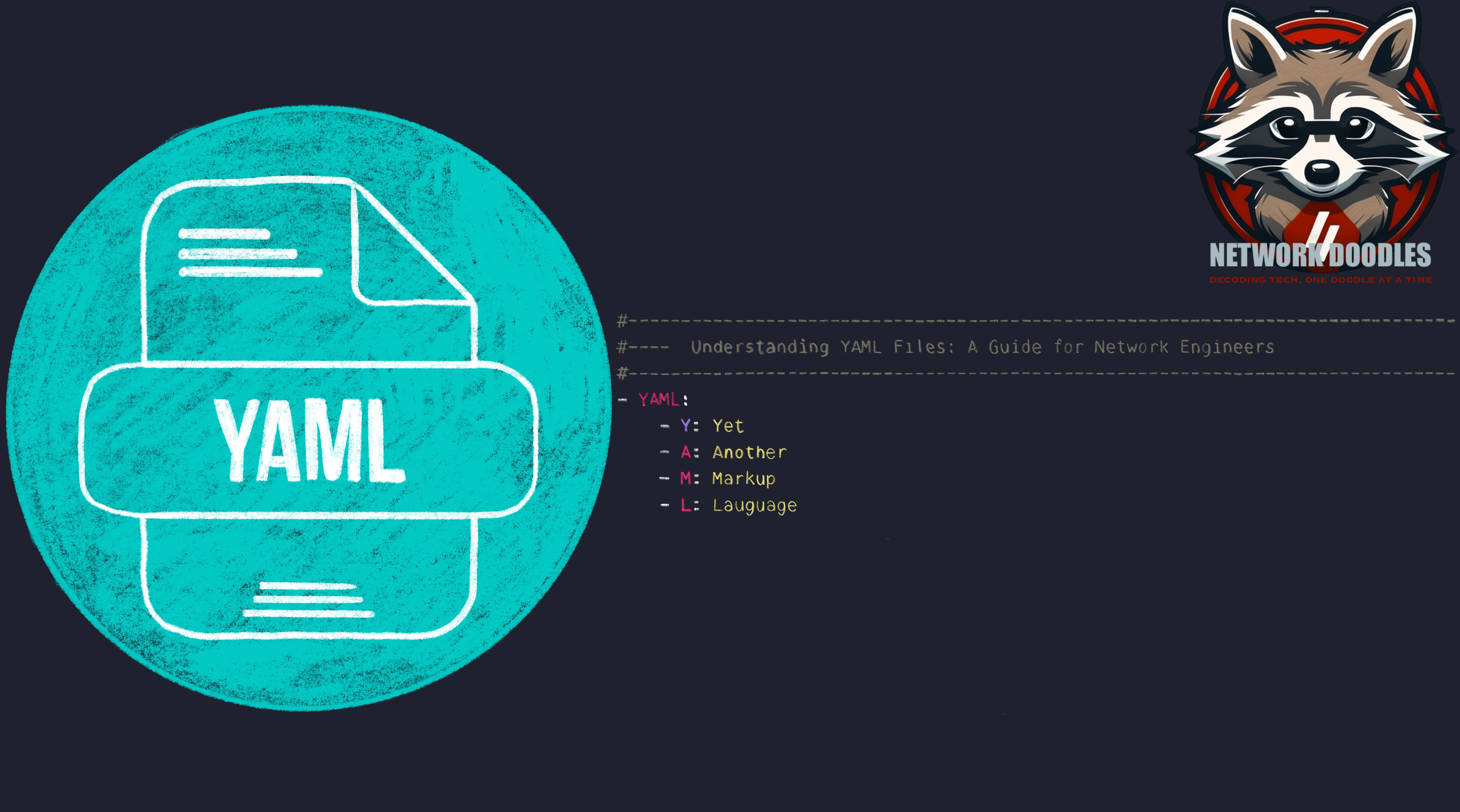
Understanding YAML Files: A Guide for Network Engineers
Understanding YAML Files: A Guide for Network Engineers In network engineering, configuration files play a huge role in managing complex network infrastructures and automation. YAML (Yet Another Markup Language) has emerged as a popular format for configuration files due to its simplicity and readability. This article breaks down the components of YAML files and illustrates their significance for network engineers. What is YAML? YAML is a human-readable data serialization standard that can be used to structure data for easy reading and writing....

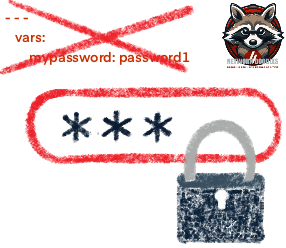
STOP HARD CODING PASSWORDS IN YOUR CODE!
Don’t you hate when tutorials show you something and then say, “I’m just doing it this way for the tutorial,” or, “It’s my lab, so they don’t use best practices,” but never show you the proper way? One thing that always bothered me when I was starting out with network automation was tutorials that almost always used plain text passwords with a disclaimer: “This is my lab; don’t do this in production....